
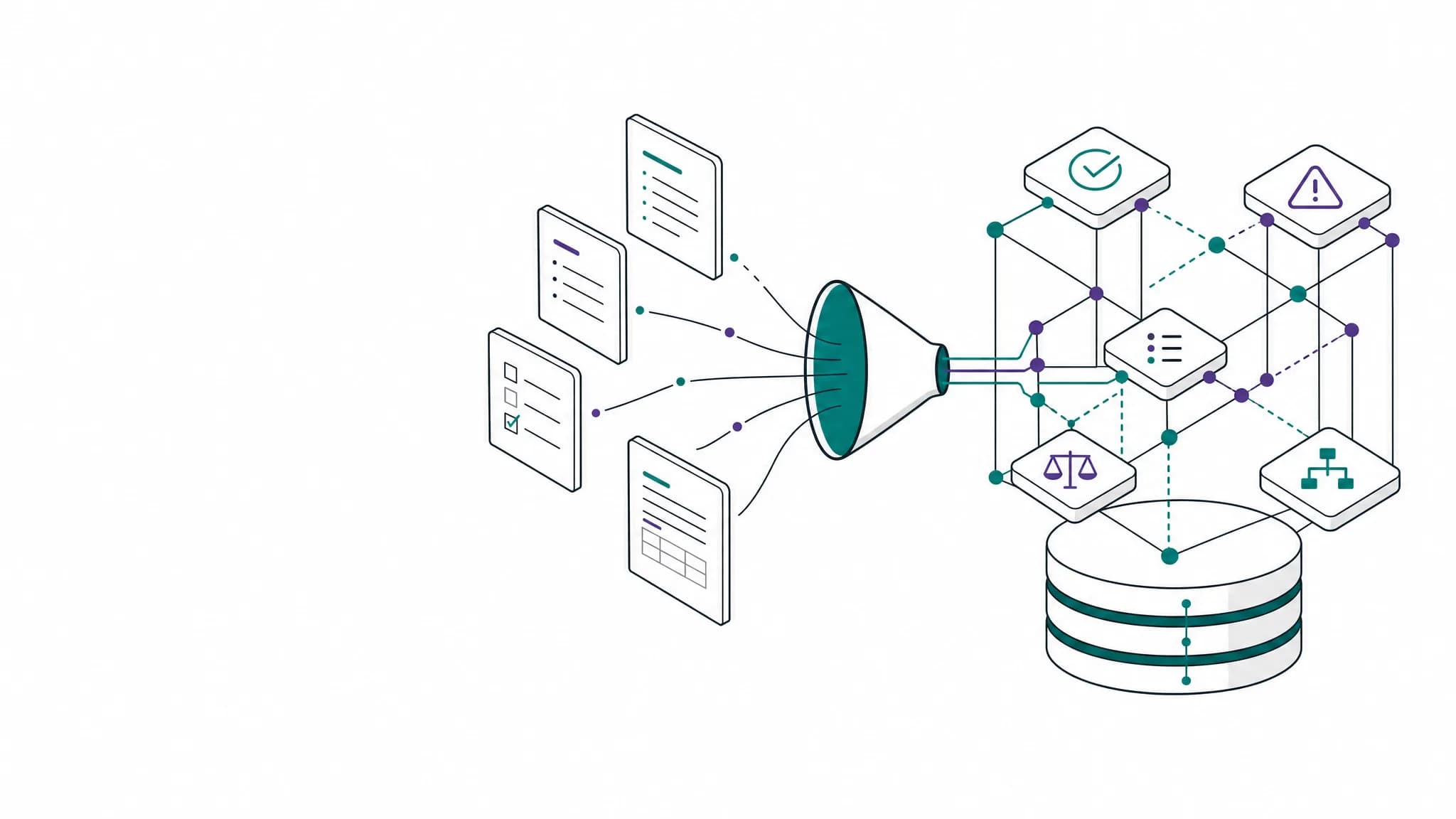
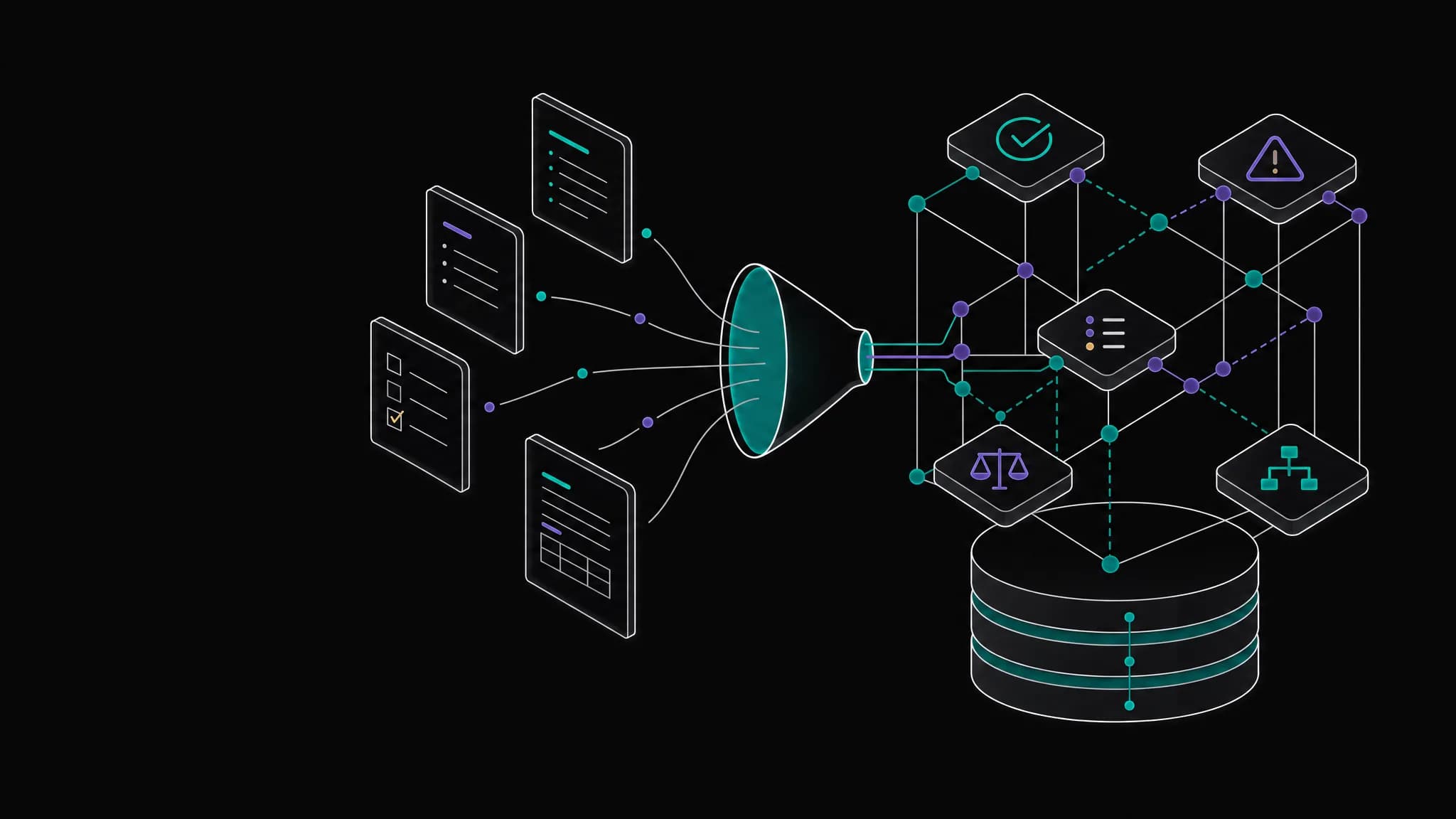
Markdown vs. TensorPM: Why Your Project Text Files Won't Cut It in 2026

It always starts the same way: You kick off a new project – maybe a side project, an app idea, or planning a home renovation. You open your favorite editor and create a TODO.md. Simple, fast, no distractions. Exactly how it should be.
Two weeks later, reality looks different: TODO.md, NOTES.md, IDEAS.md, RESEARCH.md, and a folder called _old with files you were going to "organize later." You're looking for one piece of information and open three files before realizing – you'd written it in a fourth. Or was it that email from last week?
Sound familiar?
The Markdown Promise
Markdown files are tempting. They are:
- Universal – Any text editor can open them
- Version-controllable – Perfect for Git
- Portable – No proprietary formats
- Fast – No app startup time, no login
For documentation, READMEs, and technical specs, they're still the best choice. But at some point, something happens: A simple TODO list becomes a project. And that's when the problems begin.
The Moment Markdown Fails
There's a clear tipping point. You don't notice it right away – it creeps up on you.
First it's just a brief hesitation: "Where did I write that down again?" Then hesitation becomes searching. Searching becomes scrolling. And eventually you're sitting in front of your computer with five files open, no longer sure which tasks are actually still open.
You had a system. Really. ## TODO for open tasks, ## DONE for completed ones, ## MAYBE for ideas. But then came sub-items. Then priorities marked with !!!. Then that one task you wrote in NOTES.md instead of TODO.md because it "wasn't really a proper task."
The problem isn't Markdown itself. Markdown is great – for what it was made for.
The problem is: Markdown files have no memory. They don't know what belongs together. They don't understand status. They can't tell you what's important next. They don't forget – but they don't remember either.
A Direct Comparison
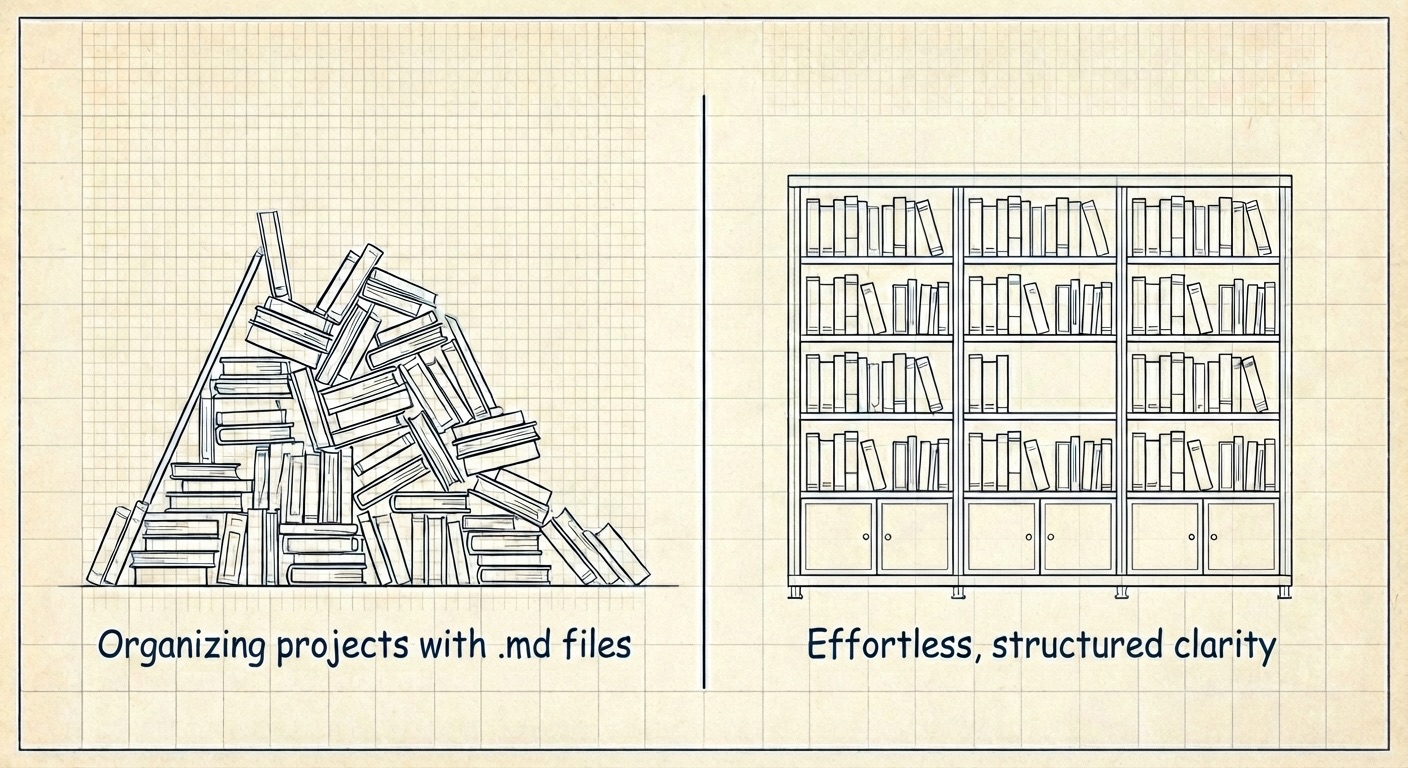 Left: The typical Markdown chaos after a few weeks. Right: Structured project organization with clear connections.
Before we dive deeper: Here are the facts at a glance.
| Aspect | Markdown Files | TensorPM |
|---|---|---|
| Price | Free | Free (Free Tier) |
| Platform | Anywhere | Desktop (Win/Mac/Linux) |
| Learning Curve | None | 10 minutes |
| Works Offline | Yes | Yes |
| Data Local | Yes | Yes |
| Structure | DIY | Built-in |
| Status Tracking | Manual | Automatic |
| Search | File by file | Project-wide |
| Visualization | None | Kanban, Lists, Dashboard |
| AI Integration | None | Built-in |
What Structured Project Management Changes
Everything in One Place
Imagine you're building an app. In Markdown, you might have FEATURES.md for planned features, BUGS.md for known issues, ROADMAP.md for the timeline, and somewhere a list of API endpoints you still need to implement.
In TensorPM, that's one project. Your features are tasks in the "Features" category. Your bugs are tasks with status "Open". Your roadmap is milestones with dates. Everything in one place, everything searchable, everything connected.
Status at a Glance
In a Markdown file, status is a convention. Maybe - [ ] for open and - [x] for done. Maybe an emoji. Maybe a custom heading. But what about "in progress"? What about "blocked"?
TensorPM knows four statuses: Open, In Progress, Blocked, Completed. You drag a task from one column to another – done. The Kanban board shows you at a glance where every task stands. Without you having to build it yourself. Without conventions only you understand.
And if you prefer lists: One click, and you see the same tasks sorted by category. Or by priority. Same data, different perspectives – depending on what you need right now.
Find Instead of Search
"What was that task called again? Something with API..." In Markdown, you open your editor's search, type "API", and get 47 hits across 12 files. Good luck clicking through those.
In TensorPM, you type "API" and instantly see: three open tasks, one completed task, and a document you uploaded last week. You click the task you meant, and you're there. No opening files, no context switching.
AI That Knows Your Project
Here's where it gets interesting.
Sure, you can copy your Markdown files into ChatGPT and ask: "What should I do next?" But the AI only knows what you just gave it. It doesn't know what you finished last week. It doesn't know your goals. It has no idea that Task 7 actually depends on Task 3.
TensorPM works differently. The AI knows your entire project – not just the text you just copied. It knows what's open, what's blocked, what's connected. And that enables things that are impossible with copy & paste:
It sees a meeting transcript you upload and asks: "Should I create tasks from the action items?" It notices you have three high-priority tasks but haven't started any of them – and asks if something's blocking you. It recognizes when a task is too big and offers to break it into manageable steps.
That's the difference between an AI that responds and an AI that thinks along with you.
Supports OpenAI, Claude, Gemini, Mistral – and local models via Ollama if your data shouldn't leave your machine.
Markdown as AI Context: State of the Art – But Not the Future
To be fair: Markdown files are currently the standard for AI context. Tools like Claude Code use CLAUDE.md files to provide project context. You describe your project, your coding conventions, your architecture – and the AI reads it at every session.
This works. But it has limits:
- Static: The file doesn't know what's changed. You have to update it manually.
- Unstructured: The AI has to guess what's important. "Is this line still current?"
- No feedback loop: The AI can read, but not write. Insights are lost.
The more elegant solution? The Model Context Protocol (MCP) – an open standard that connects AI systems with external data sources. Instead of a static text file, the AI gets a live connection to your project data.
TensorPM has already implemented exactly this: A complete MCP server that makes your project management available to any AI that supports MCP. The AI can:
- List projects and retrieve their metadata
- Read project details – tasks, categories, stakeholders, goals, all structured
- Create tasks – with priority, due date, complexity, budget
- Propose updates – that you can review and apply later
This is a fundamental difference: Instead of a static text file that you have to constantly maintain, the AI gets a bidirectional live connection to your real project data. It doesn't just read – it can write back too.
Imagine: You're discussing your project progress with Claude Desktop. The AI automatically sees all open tasks, recognizes blockers, and can create new tasks or propose updates at your request. No copy & paste marathons, no outdated Markdown files.
Markdown files are today's workaround. MCP is tomorrow's infrastructure – and with TensorPM, it's available today.
When Markdown Files Are Still the Right Choice
Markdown isn't "bad." It's the wrong tool for certain jobs:
Markdown is ideal for:
- Technical documentation
- READMEs and project descriptions
- Notes you want to version with Git
- One-off lists without tracking
TensorPM is better for:
- Projects with more than 10 tasks
- Tasks with different priorities and statuses
- When you've lost track of things
- When you want AI assistance
- Side projects that grow bigger than planned
The Privacy Question
A common objection: "I don't want my project data in some cloud."
Understandable. That's why TensorPM works completely locally by default. All data stays on your machine. You can use AI with local models via Ollama – your data never leaves your computer.
And if you do use Cloud Sync – whether to back up your data, sync across devices, or collaborate with your team? All data is end-to-end encrypted. Your projects, tasks, and notes are encrypted on your device before they ever reach our servers. We cannot read your data – even if we wanted to. Zero-knowledge architecture means your privacy is guaranteed by design, not just by policy.
Your Markdown files and TensorPM have this in common: Both respect that your data belongs to you. But TensorPM takes it further – even in the cloud, your data remains yours alone.
Making the Switch
You don't have to migrate everything at once. And you don't have to start from scratch.
When you create a new project in TensorPM, you have three options: You can go through a guided assistant that helps you think through your project from the start – from goals to milestones to risks. You can simply describe what you're planning to the AI, and it creates a project structure for you. Or you upload an existing document – a brief, a protocol, a requirements list – and the AI extracts the structure from it.
Many users start pragmatically: They transfer the most important open tasks from their Markdown files, keep the old files as reference, and only capture new tasks in TensorPM.
The moment it clicks comes after a few days: You open the app and instantly know where you stand. What's open, what's next, what can wait. No five files, no searching, no "what was I supposed to do again?"
Just your project. Organized. Ready.
Conclusion
Markdown files are a Swiss Army knife – versatile, but not optimized for everything. For real project management, they lack structure, status, and connections.
TensorPM gives you exactly that, without forcing you into an enterprise monster. Local, offline-capable, with AI that helps instead of annoys.
2026 is the year you get your project chaos under control. Not with more Markdown files – but with the right tool.
Read next: What Is Agentic Project Management? Definition, Framework & Tools (2026 Guide) — once your project lives in a structured graph instead of scattered .md files, AI agents can do more than summarize text. They can read goals, propose updates, and execute bounded work. That shift is what agentic project management is about.
About the Author
Simon Schwer is a project manager with nearly a decade of experience from international projects. He spent years juggling text files, Notion, and Excel before building TensorPM – born from the frustration that no tool offered the right balance between structure and simplicity.
Ready to organize your project chaos? Download TensorPM for free
Corrections
No corrections to date.