

Get started with
TensorPM
Your download should start automatically. If not, click below.
1
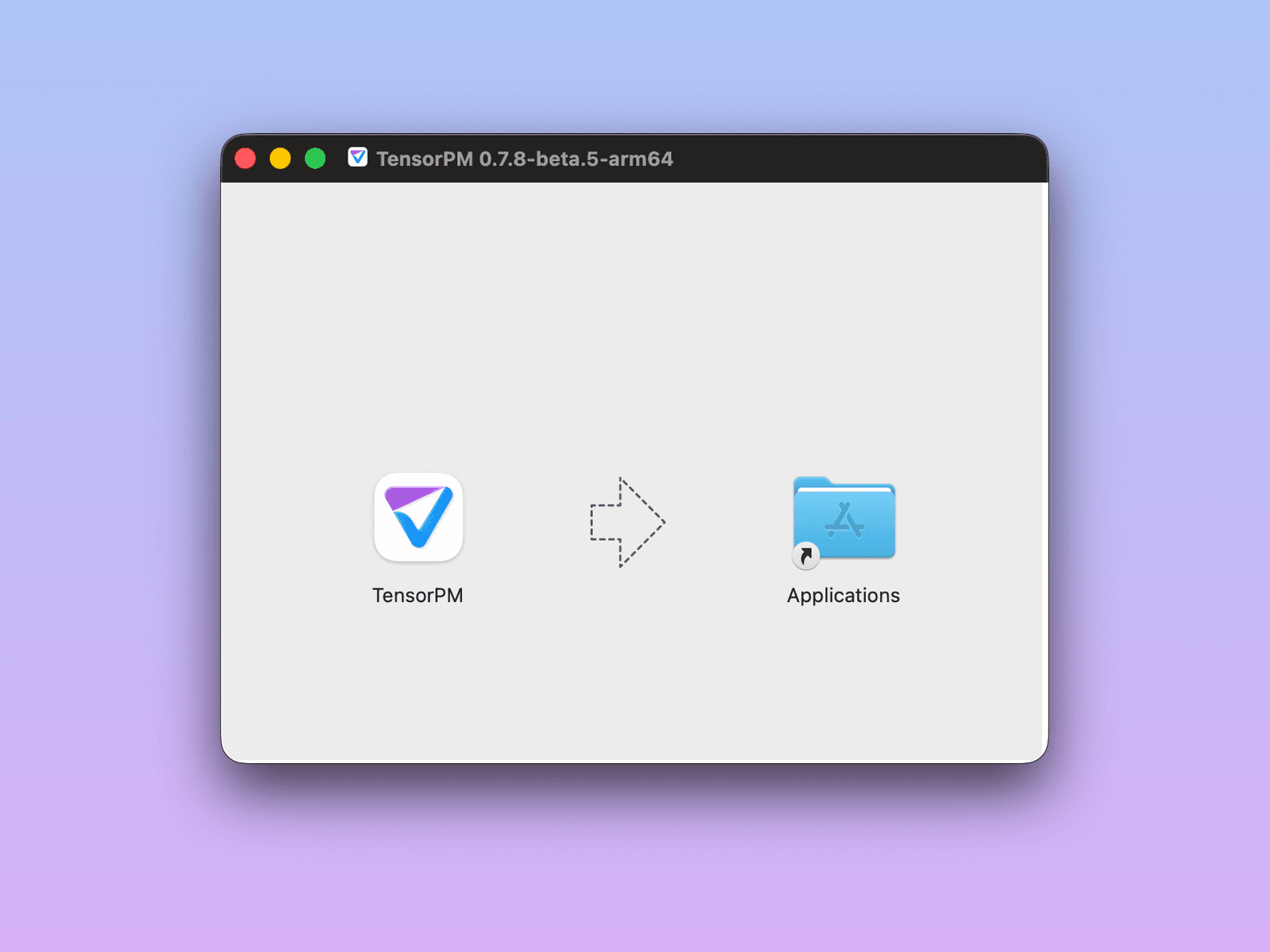
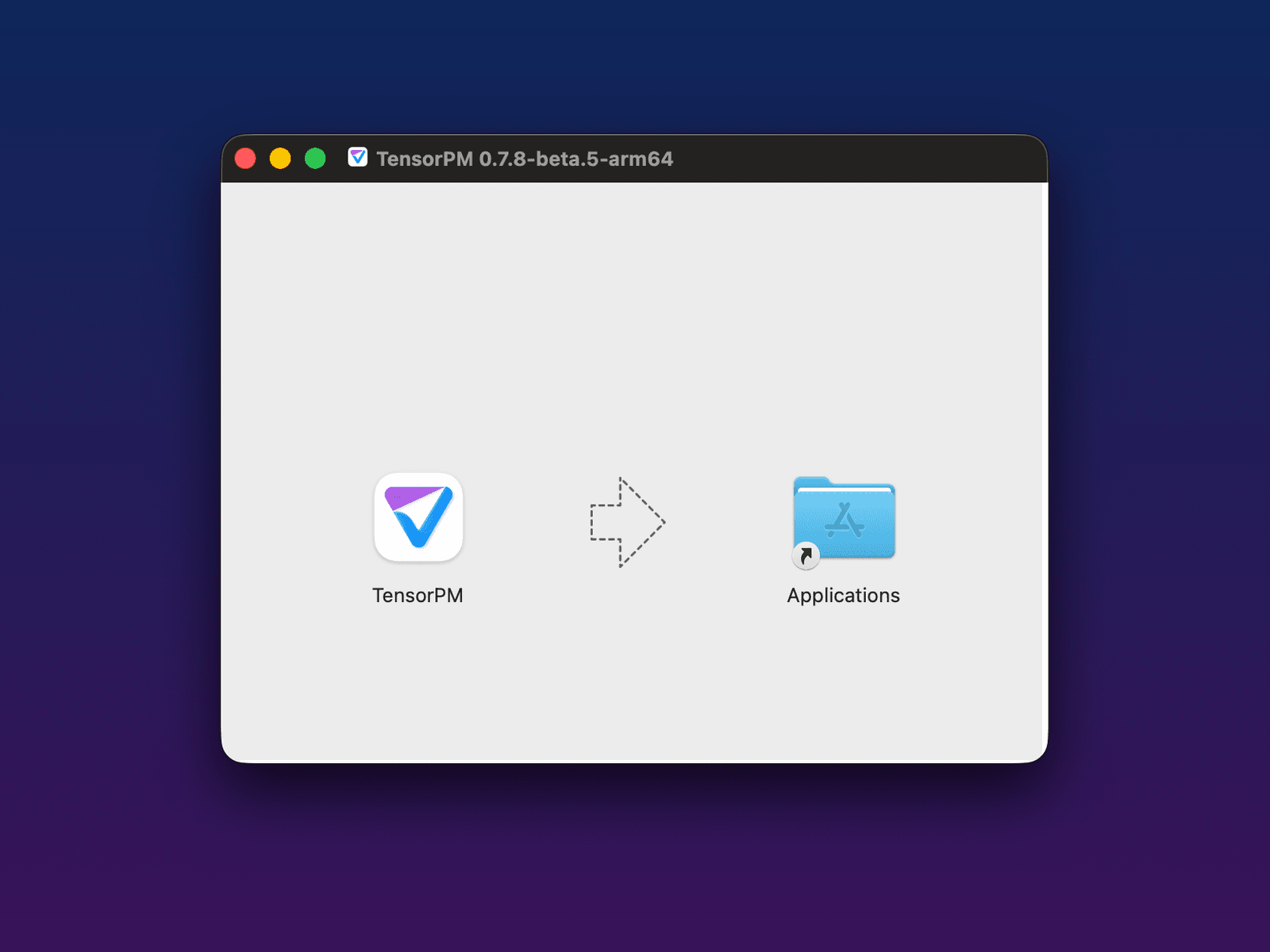
Install TensorPM
Drag the TensorPM icon into your Applications folder (macOS) or run the installer (Windows/Linux). If Windows shows "Windows protected your PC" for a new release, choose "More info" and then "Run anyway".
2
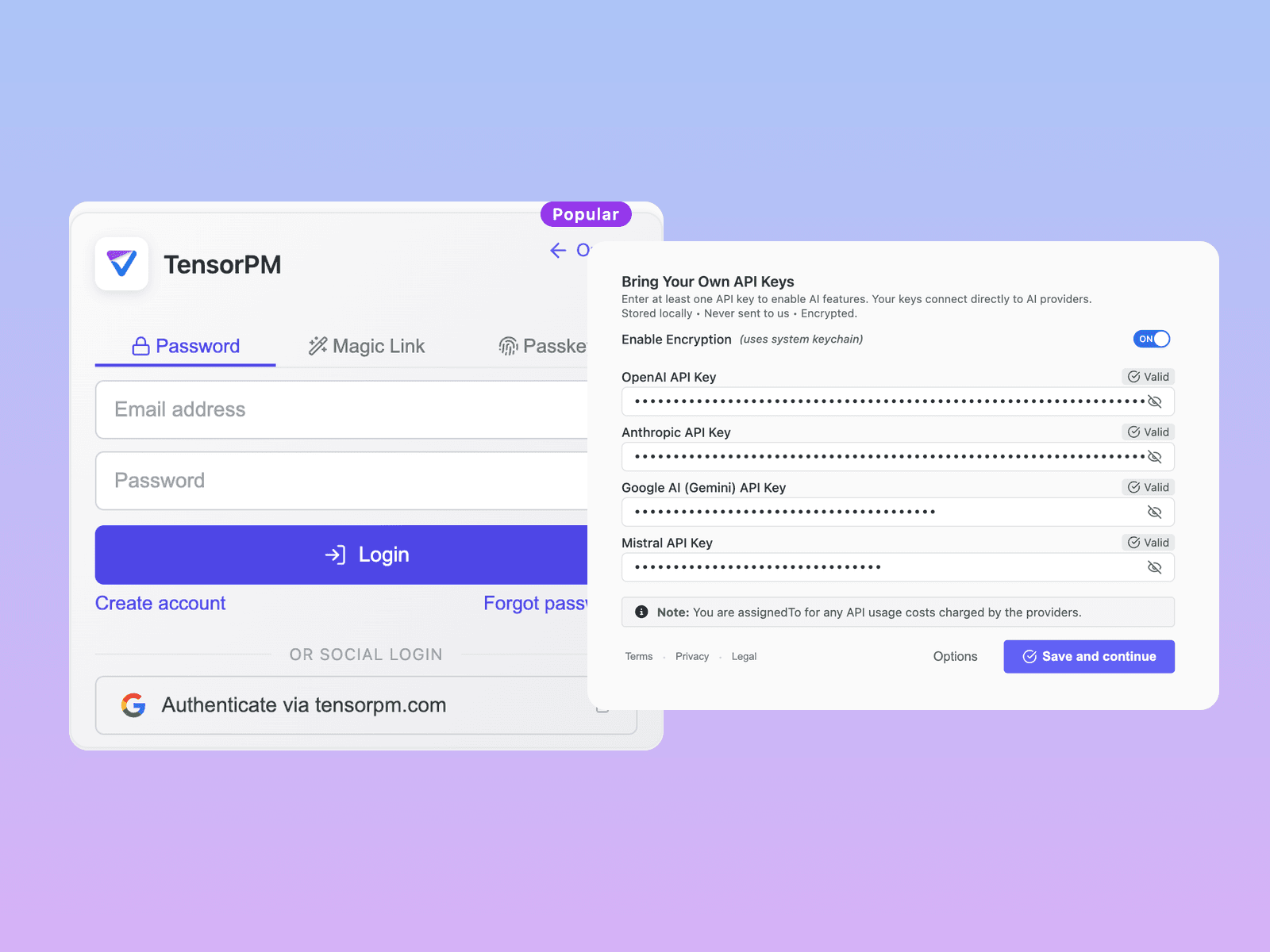
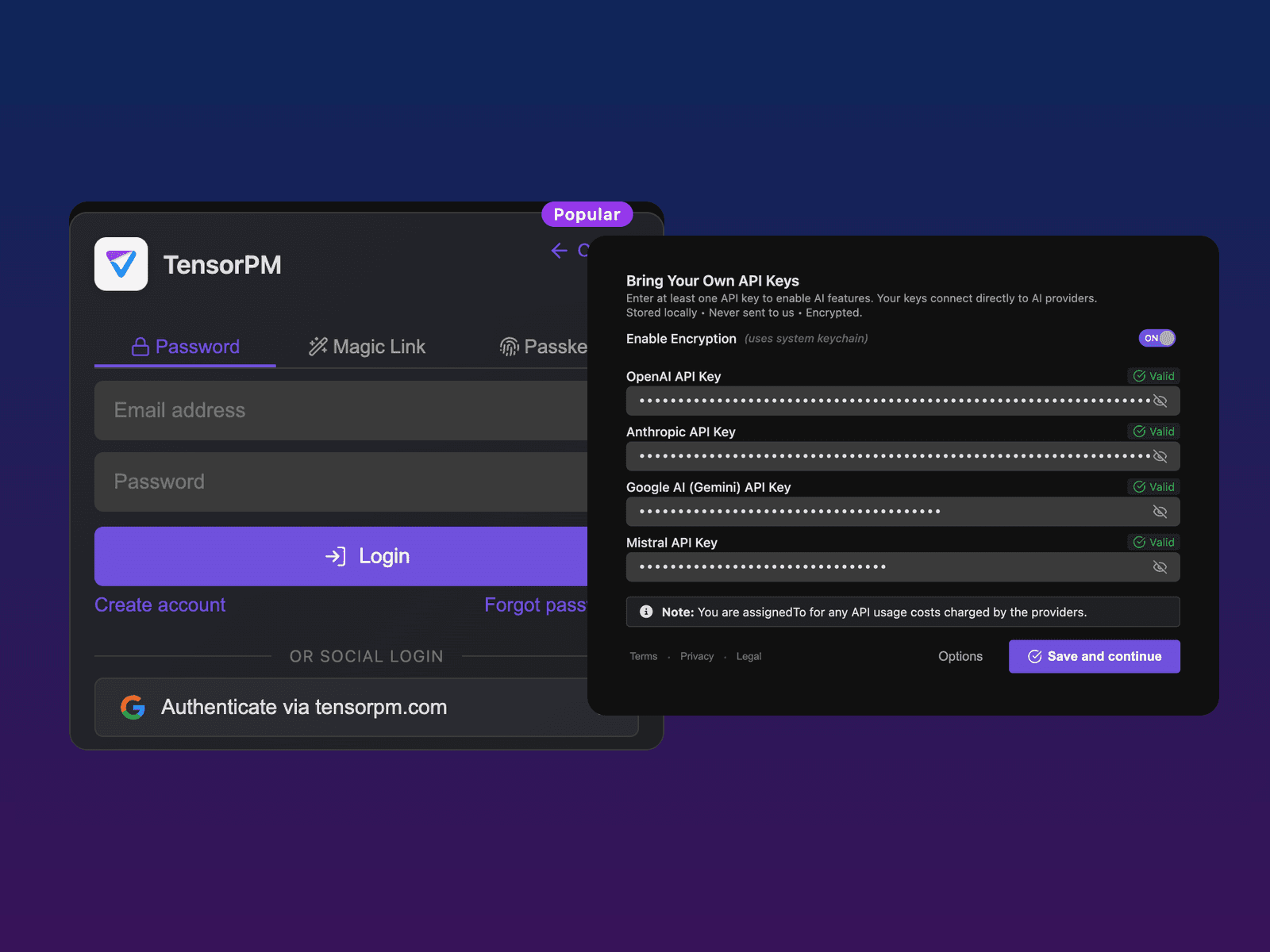
Create a Trial account or use local models
Trial includes Cloud Sync and 2,000,000 lifetime TensorPM AI credits. Upgrade to Pro for 10,000,000 credits per month; BYOK is Business only.
3
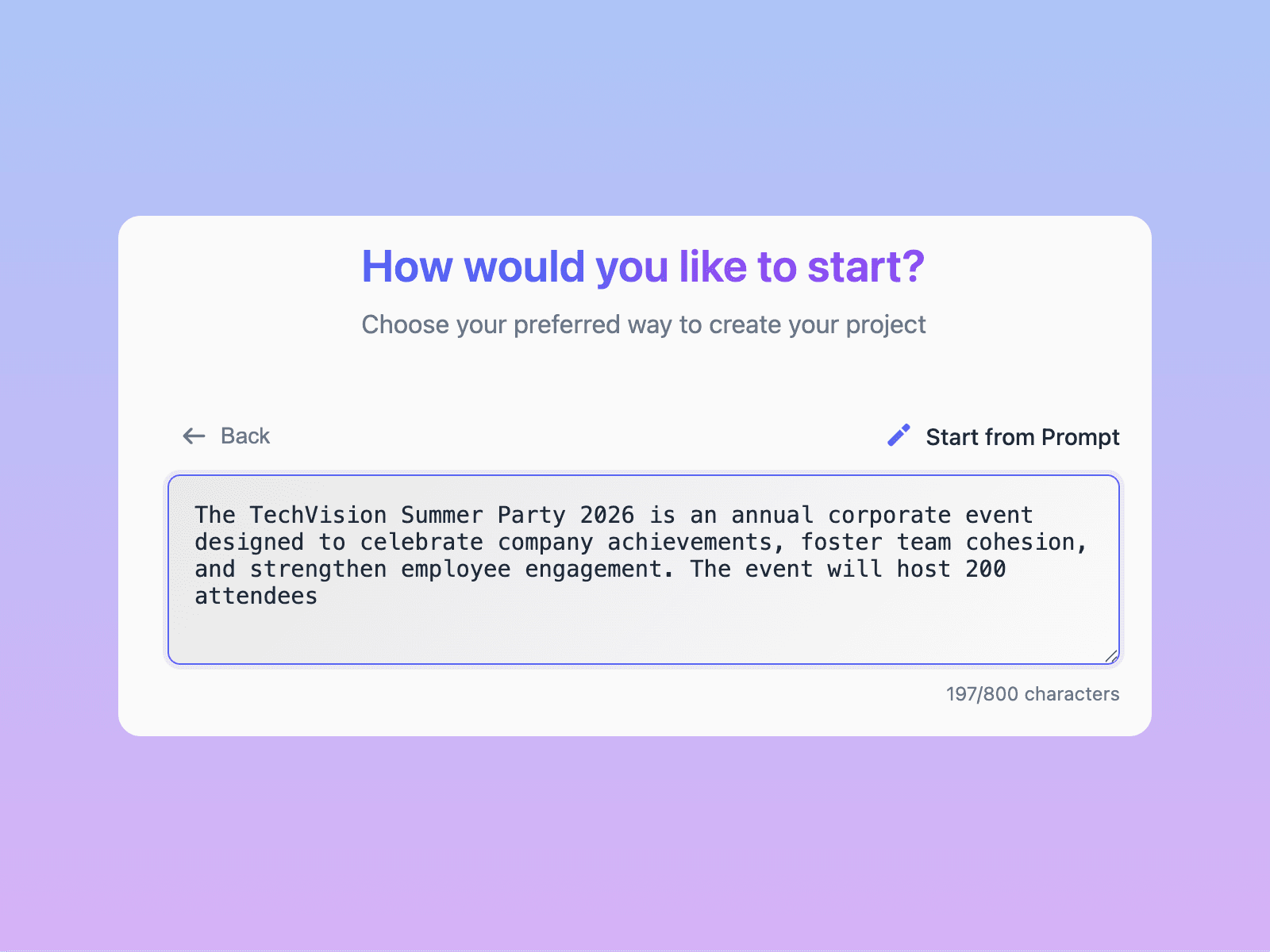
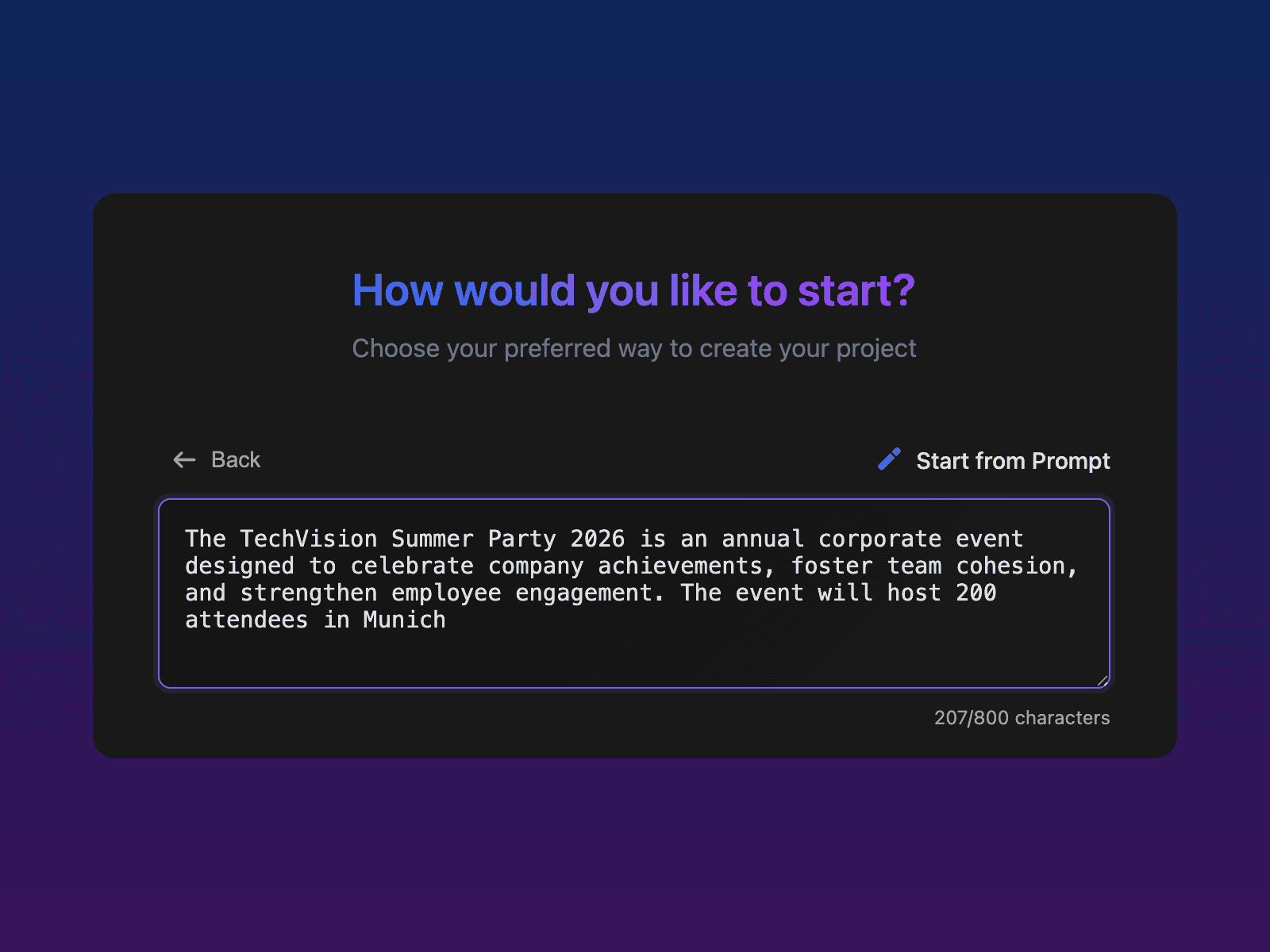
Create your project from a simple prompt
Describe your project in a few sentences or attach documents. TensorPM builds the structure, goals and milestones from it, and once AI is connected it can plan your first tasks right after.
4
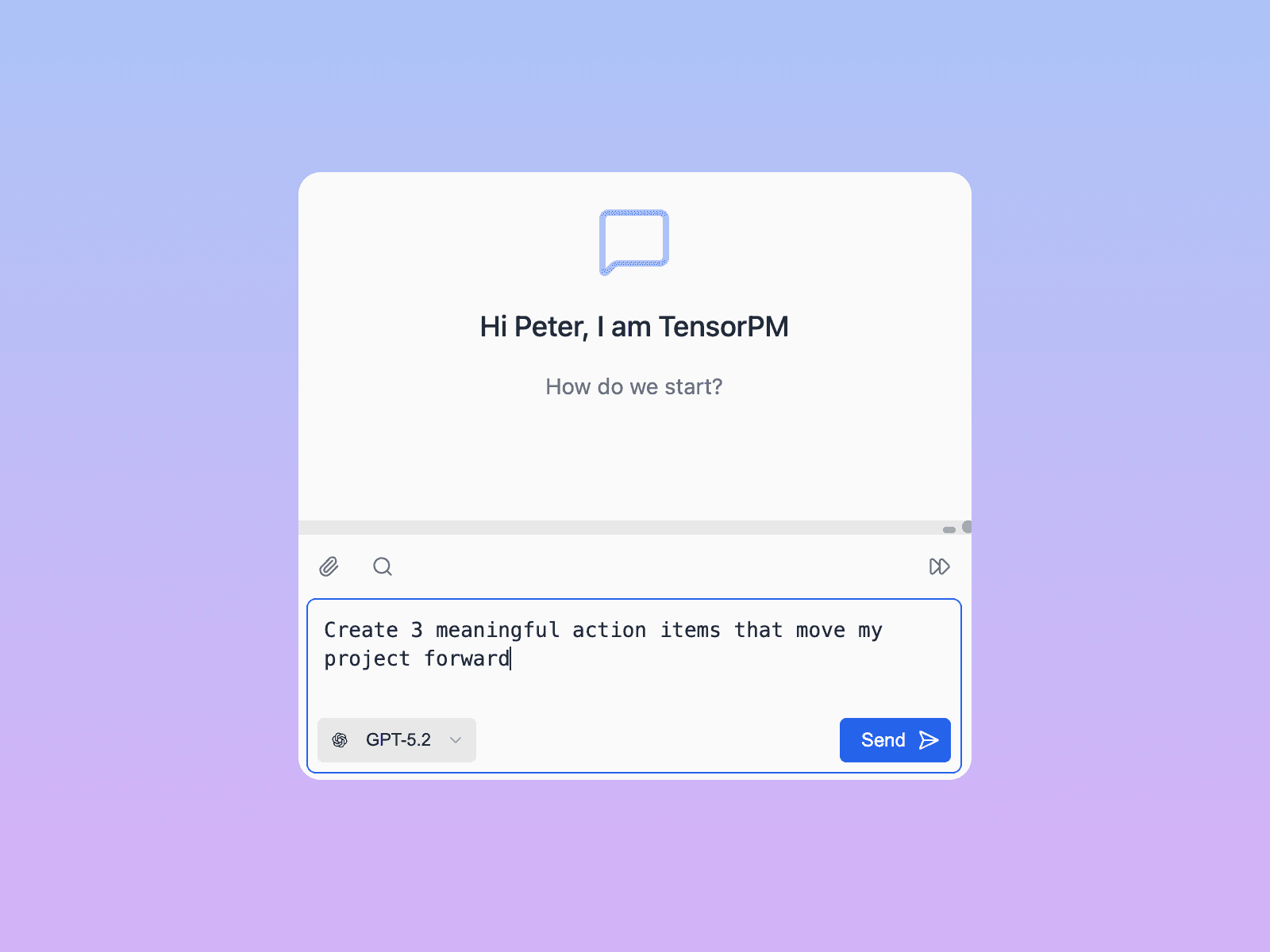
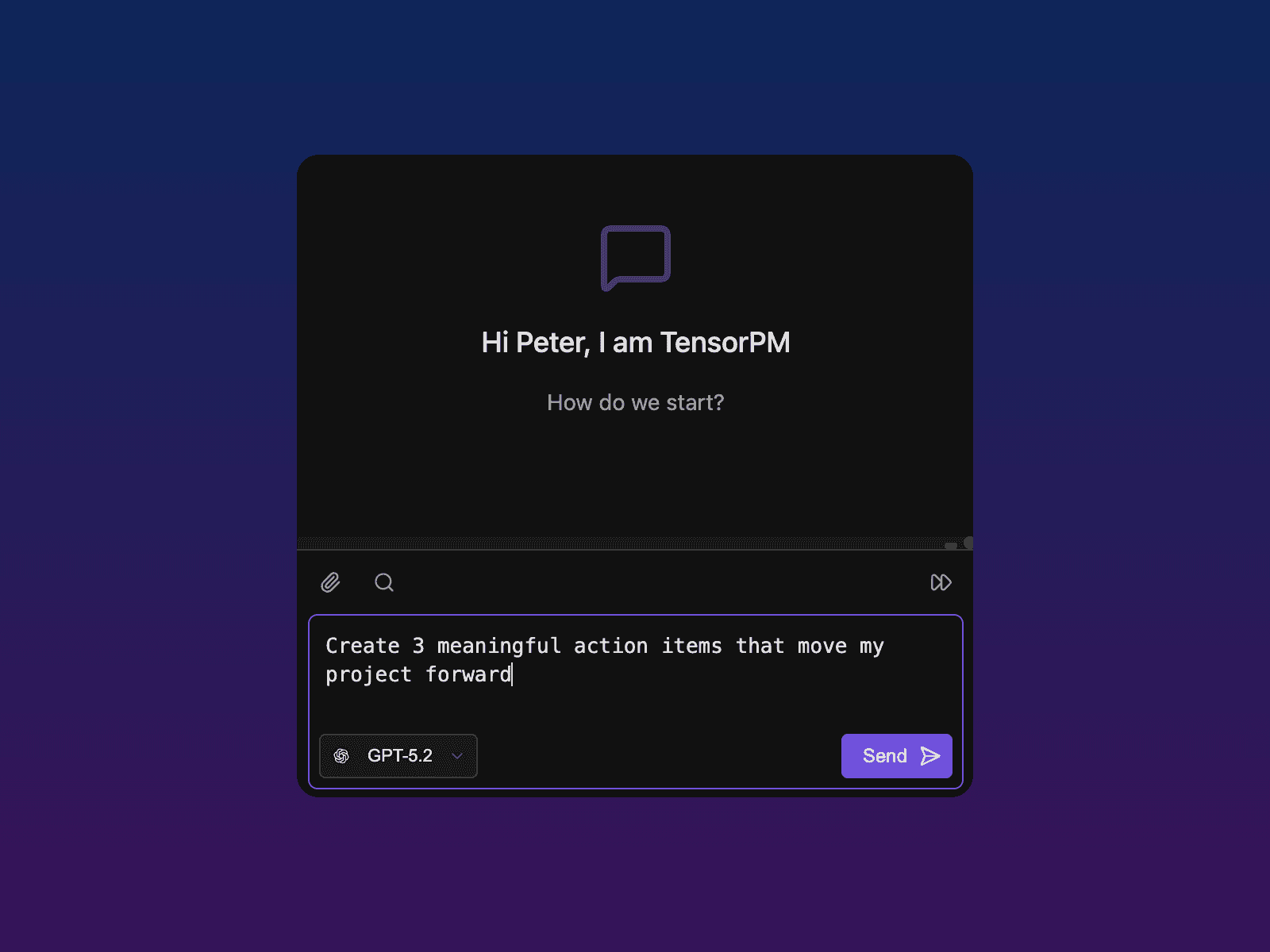
Manage your project with full context
TensorPM gives you Context-Driven Project Management — action items, Kanban, Gantt and decisions — controllable via chat or via MCP/A2A. It works both ways: external agents (Claude Code, Codex, OpenClaw, Cursor) read and write your project graph, and TensorPM can delegate tasks to coding agents like GitHub Copilot, Codex and Claude Code.
Want to learn more?
Explore the documentation for detailed guides or check the FAQ.