
The AI agent for complex projects

AI that understands your project.And moves it forward.

Spots status, progress and risks, recommends the next step and keeps your project context alive from many sources.

Desktop app for macOS, Windows and Linux

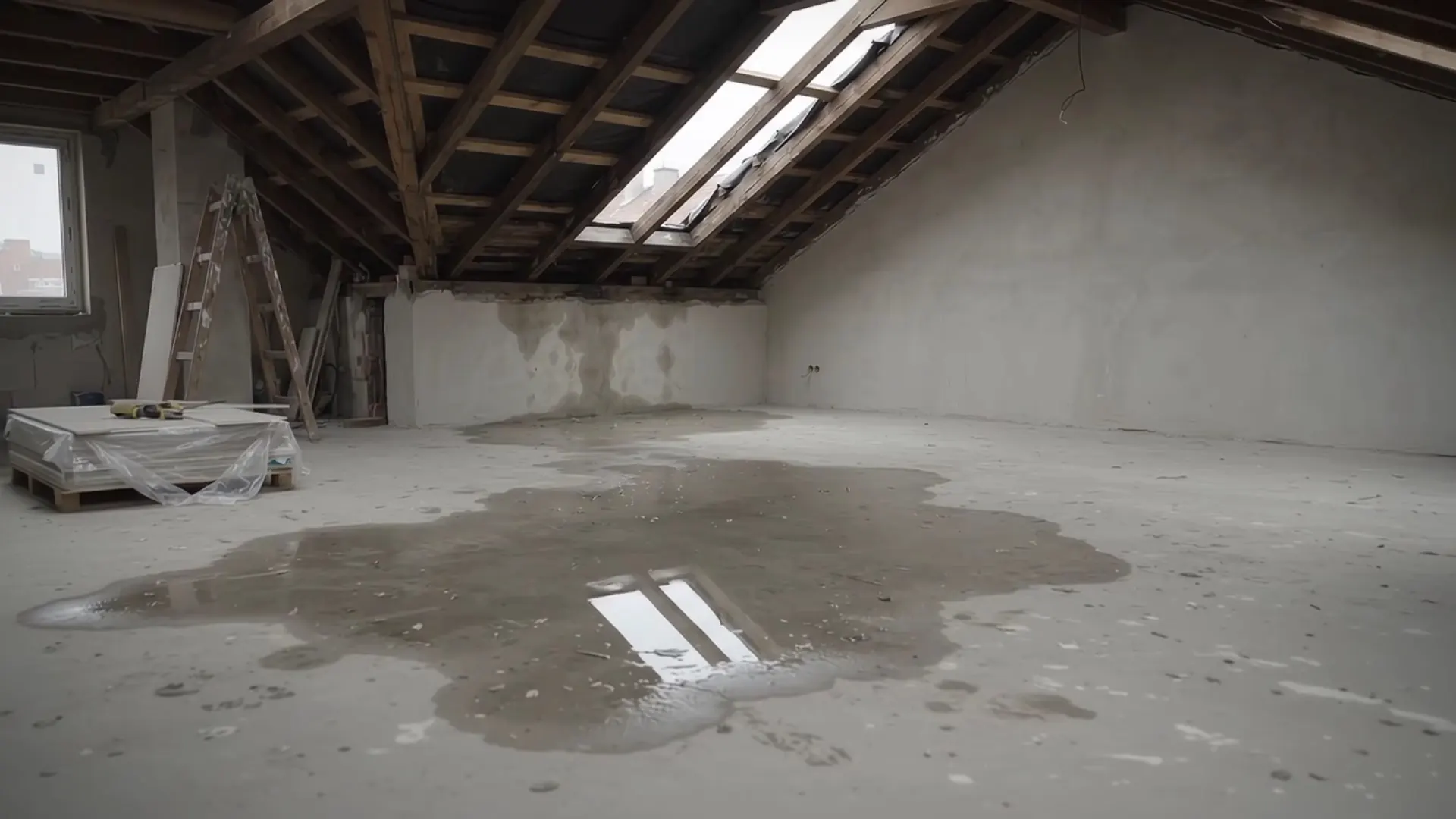
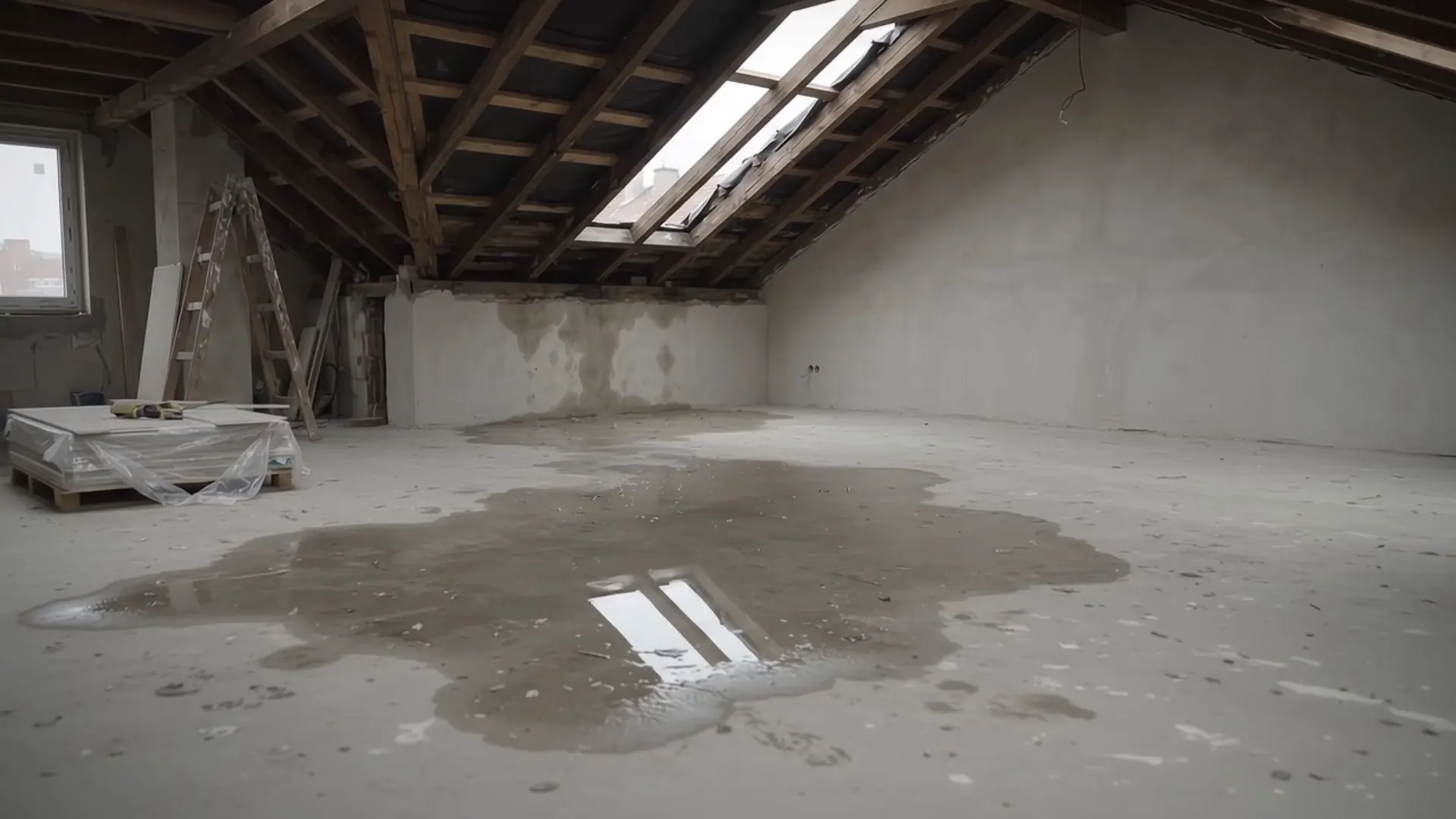
Explainer film with the sample project “Core Renovation 24 Clarendon Street” in TensorPM. Opening scene, voice and music are AI-generated.

How TensorPM works

Understand. Steer. Execute.

I understand your project as a whole, steer it proactively, and take on concrete project work.

  1. EmailMinutesPlan.pdfProject context

    Understand

    Foundation

    I connect goals, decisions, risks, and dependencies in one complete, confirmed project context.

  2. W38W40W42W44!Risk+2 wksTodayNEXT STEPRequest structural report

    Steer

    Core

    I analyze bottlenecks, critical paths, and potential impacts, evaluate options, and recommend clear next steps.

  3. Create status reportfor the clientTensorPM drafts …Inform the clientCommission an expertStatus reportCore Renovation 24 Clarendon St.PDF readyPDF

    Execute

    Extension

    I take on concrete project work, create and update action items, plans, and artifacts, and coordinate specialized AI agents.

Context distillation

Projects keep changing.Context has to keep up.

New emails, documents, and conversations change project reality. When the documented state falls behind, project context drift emerges. TensorPM checks every signal and applies proposed changes only after your confirmation.

Project realityDocumented state
8 weeks ago4 weeks agoTodayContext drift3 changes not capturedEmailMinutesPlan changeDelivery
    • Mark Hartwell24 Clarendon Street: water ingress after heavy rain7:42 am
    • Site diary · M&EAxis 4 ducts installedyesterday
    • Supplier newsletterAutumn insulation dealsyesterday

    Capture signals

    Emails, documents, messages, and meeting notes enter as new evidence.

    • Mark Hartwellrelevant
    • Site diary · M&Erelevant
    • Supplier newsletternot relevant

    Check relevance

    AI identifies changes relevant to the active project and filters out irrelevant signals and duplicates.

  1. Proposed change

    Risk · water ingress with the roof open

    Statusopen→occurred

    “Water ran through the open rafter bays into the top floor.”

    Source: email from Mark Hartwell

    Propose a delta

    You see exactly what would change across goals, risks, actions, or dependencies.

  2. RejectApprove

    Context updated

    1 risk · 2 tasks · 1 decision

    A person decides

    The project context is updated only after your confirmation – traceably and under control.

Built onCDPM Framework

Current context provides the foundation.AI analyzes and recommends next steps.

Because every recommendation rests on confirmed goals, risks, and dependencies, it tells you what this project needs next, not what projects need in general.

The current project context

From vision to execution – connected in one traceable project graph

One context that grows with you.

From Context to Guidance

Context → Analysis → Guidance → Signals → Context

Context

Analysis

Guidance

Signals

The AI that works for you.

Ready to steer your project ahead of time?

Watch the demoDesktop app for macOS, Windows and Linux

Free trial, no credit card needed

Setup

From idea to
clear plan in minutes.

Describe your idea and add any documents or images you already have. One AI-powered setup turns everything into structured project context and guides you through the details.

One seamless setup

Bring the idea and the evidence together

Prompt, attachments, and guided refinement run as one flow. TensorPM combines your input, creates the initial project structure, and helps you close the gaps before the project gets underway.

  • Describe the project in your own words.
  • Add documents or images to ground the plan in real evidence.
  • Review and refine the generated context with AI guidance.

AI project setup

What is your project about?

Deep retrofit of a 1962 apartment building at 24 Clarendon Street. Keep the roof structure, replace the windows, use the energy grant. Budget €2.4M.

Add filesGenerate
Structural survey.pdfStructured context + guided review

Extend it

Expertise for every project moment.

Skills produce what your project needs: status reports, risk briefings, supplier comparisons, PDFs, slide decks. Domain expertise plus your real data.

1Domain know-how

Construction skill

  • Trades
  • Contracts
  • Handovers

2Your project

24 Clarendon Street

  • Goals
  • Decisions
  • People
  • Files

3Finished work

  • Status wk 39.pdf
  • Risk briefing.pptx
  • Roofing bids.xlsx
  • Knows your field: A construction skill knows the trades. An event skill knows the vendor types. A launch skill knows the release rhythm. The AI works with that, instead of guessing from scratch.
  • Works with your project: The skill reads your actual project context: goals, decisions, people, files. It produces work that fits your situation, not a generic template.
  • Creates work artefacts: Status reports, supplier comparisons, risk briefings, slide decks. Whatever you would normally put together by hand, the right skill produces from your project context.

Privacy first

Your ideasbelong to you.

Zero-Knowledge
Offline & Private
No Tracking

Your sync is end-to-end encrypted. For AI, use TensorPM AI or local models, or your own provider on the Business plan.

Project Overview

Core Renovation 24 Clarendon St

DescriptionDeep retrofit of a 1962 apartment building: keep the roof structure, renew envelope and windows.
GoalHand over as an efficiency house with the energy grant.
TimeframeApr 2026 – Jun 2027
Budget€2,400,000
Team
SW
Sarah WhitfieldProject lead
RB
Robert BrandStructures
AL
Anna LindenClient
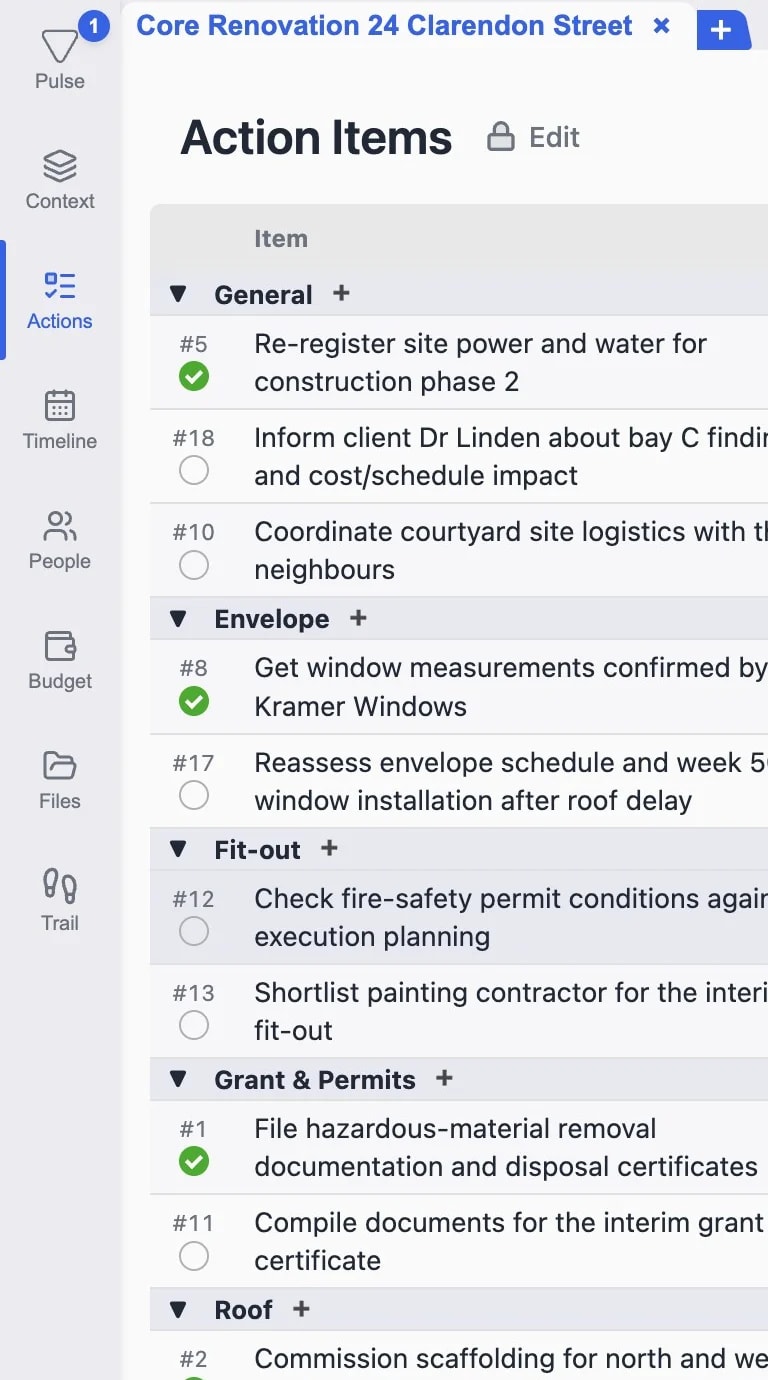
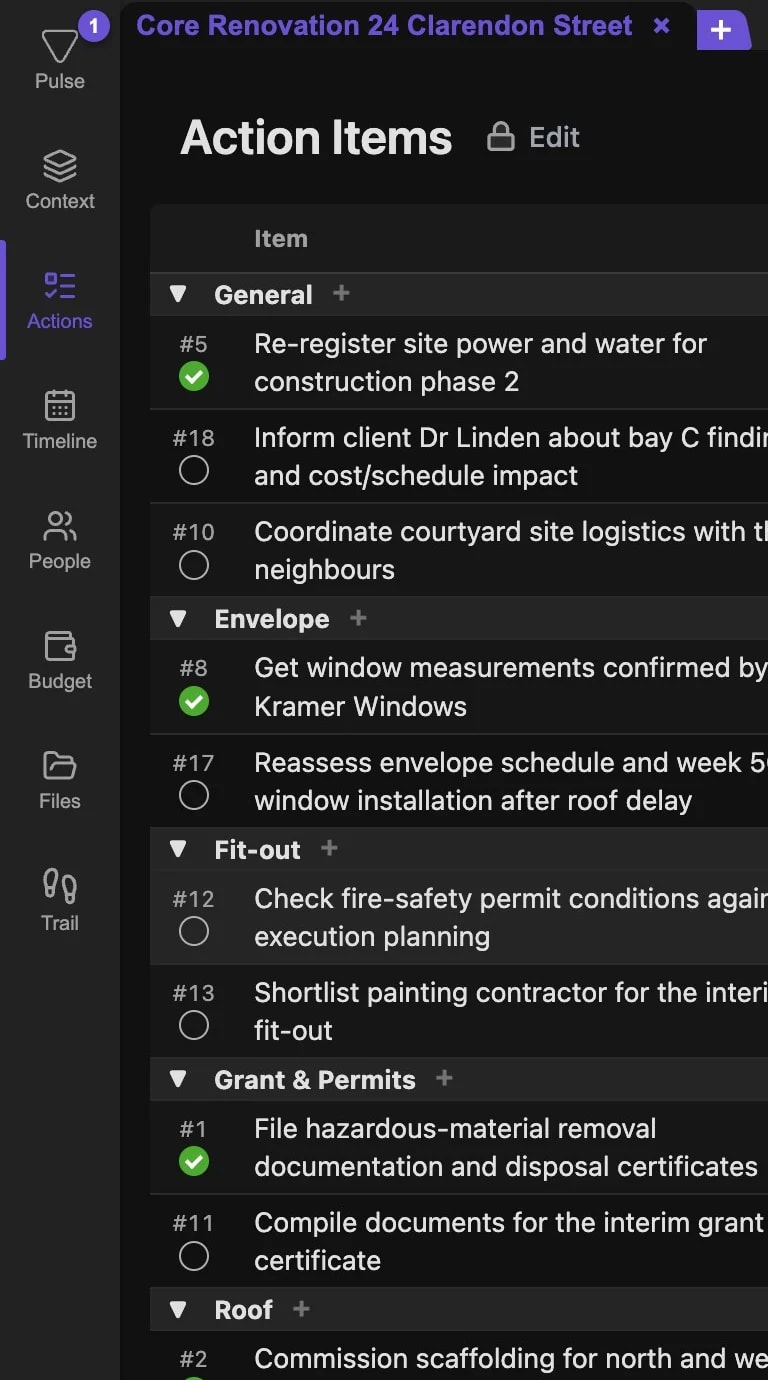
Action Items3 of 14 completed
Commission a specialist drying firm
Report the damage to the all-risks insurer
Confirm window measurements

Features

Get to knowTensorPM.

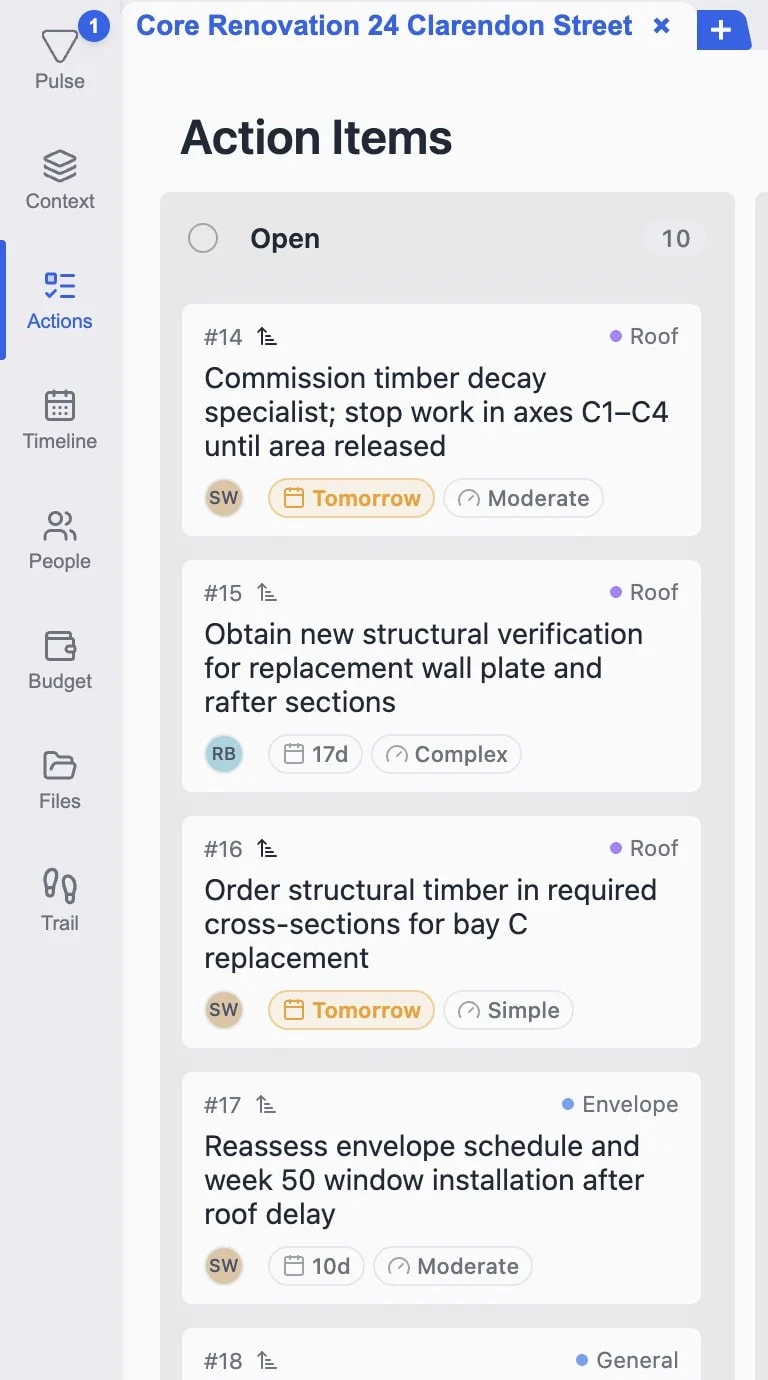
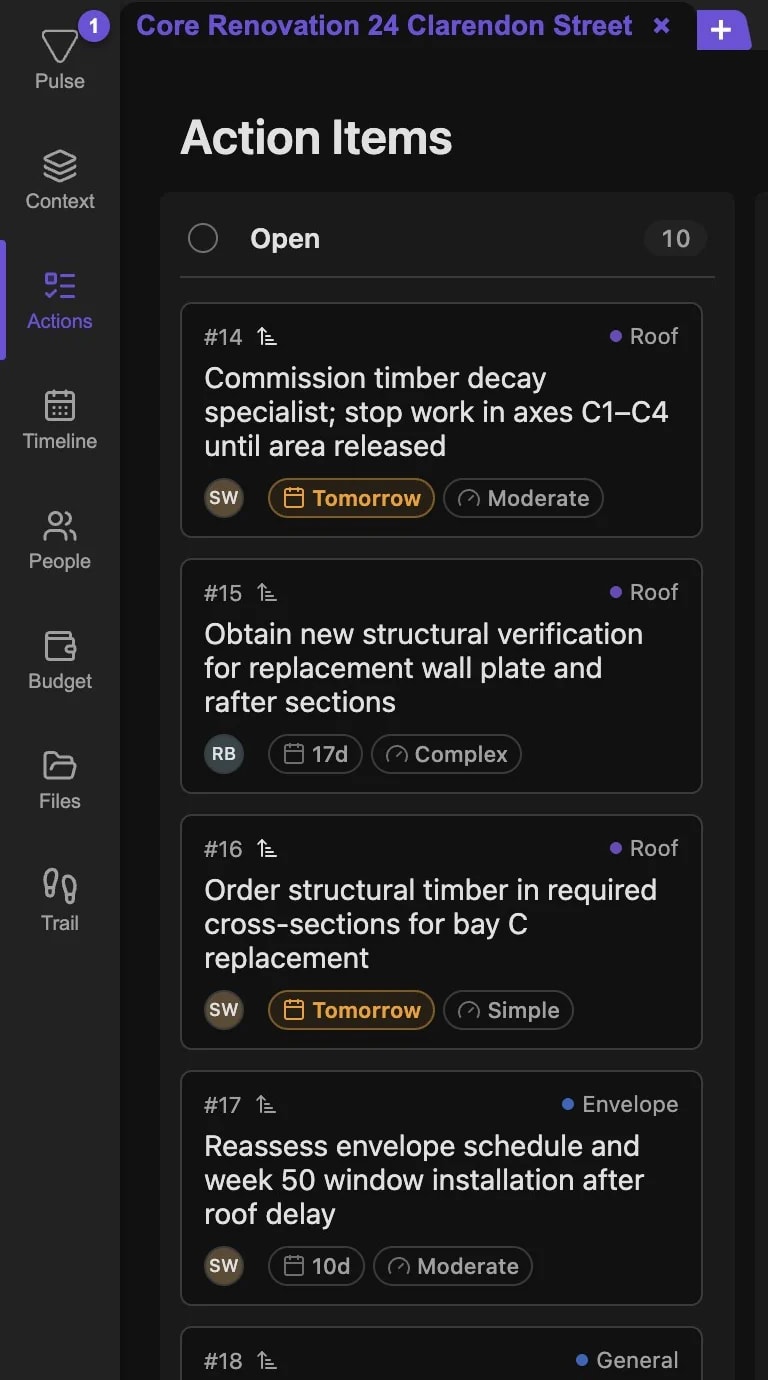
CREATE & UPDATE ACTION ITEMS

Contextual task generation

Contextual task generationContextual task generation

VISUAL WORKFLOW MANAGEMENT

Kanban board

Kanban boardKanban board

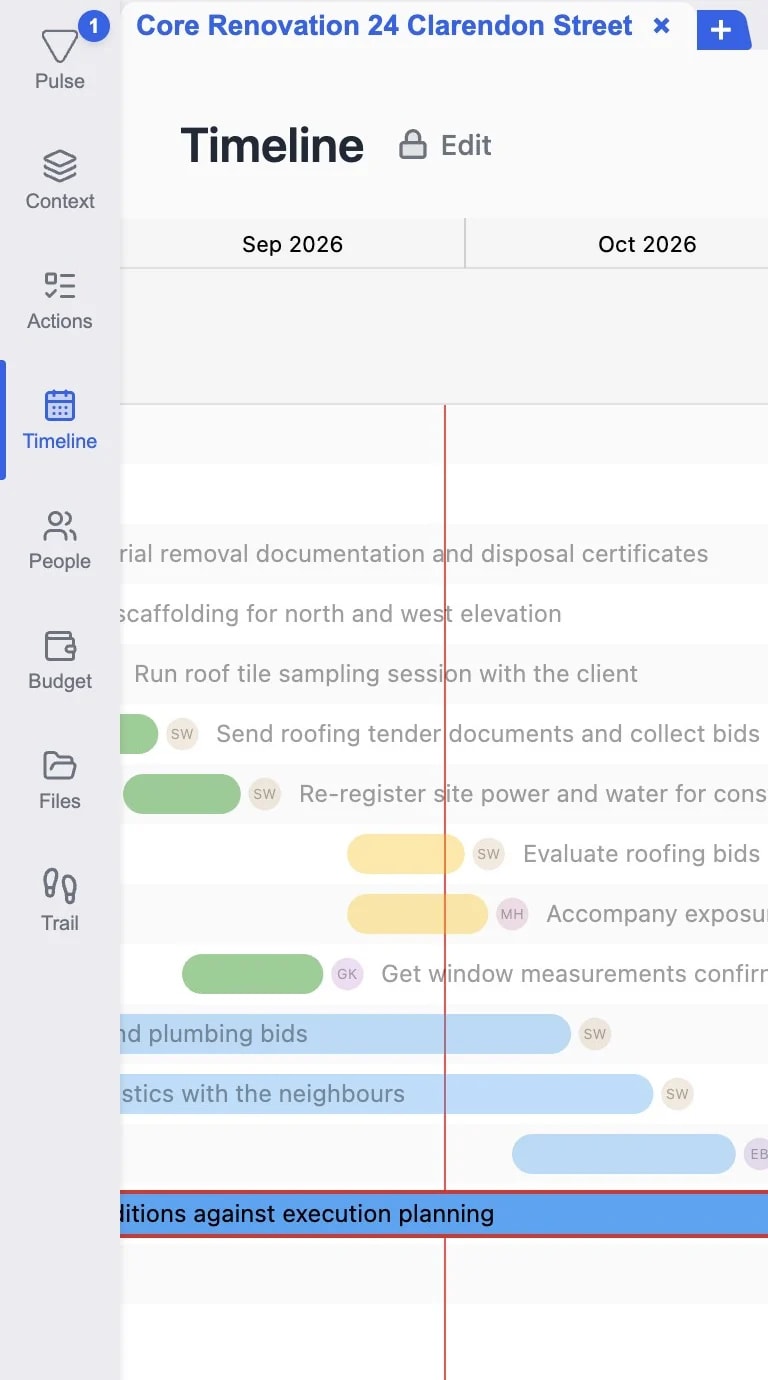
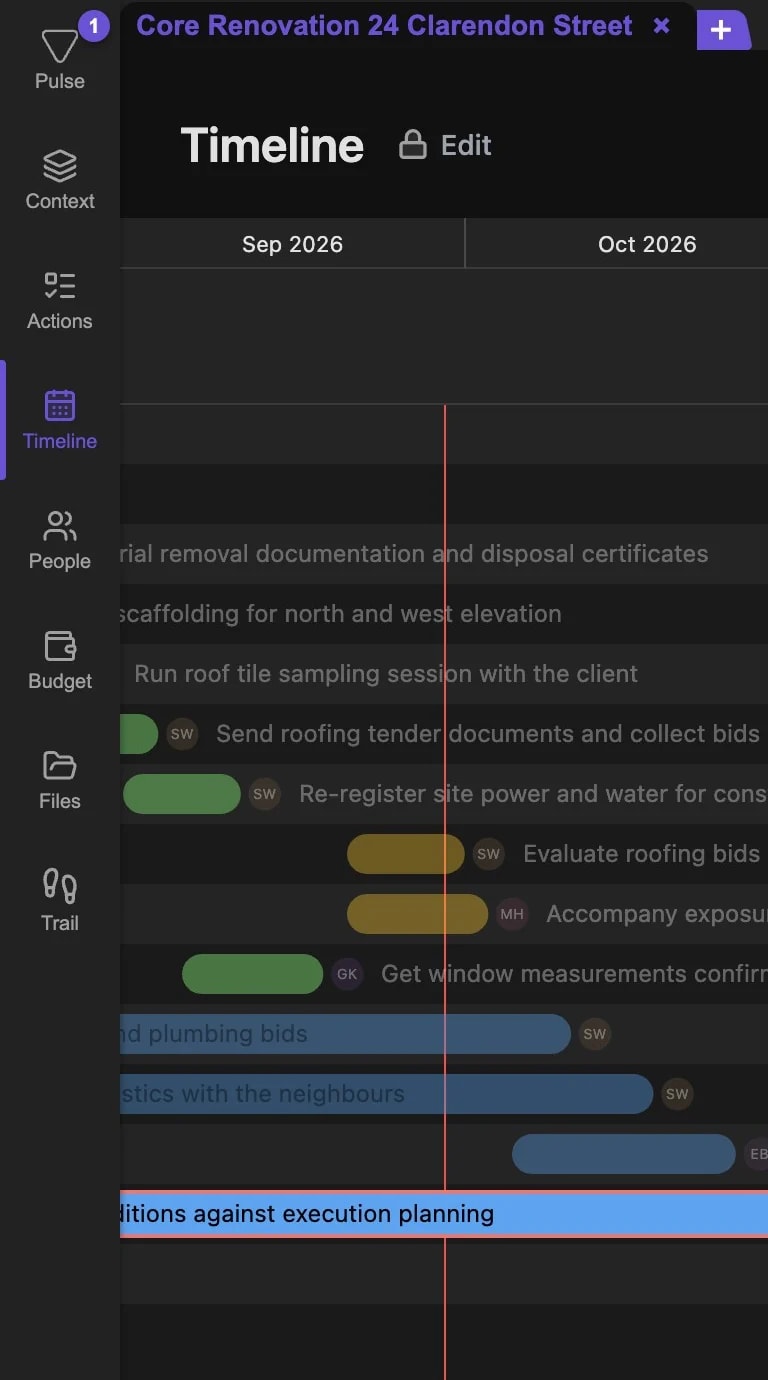
TIMELINE AND MILESTONES

Interactive project views

Interactive project viewsInteractive project views

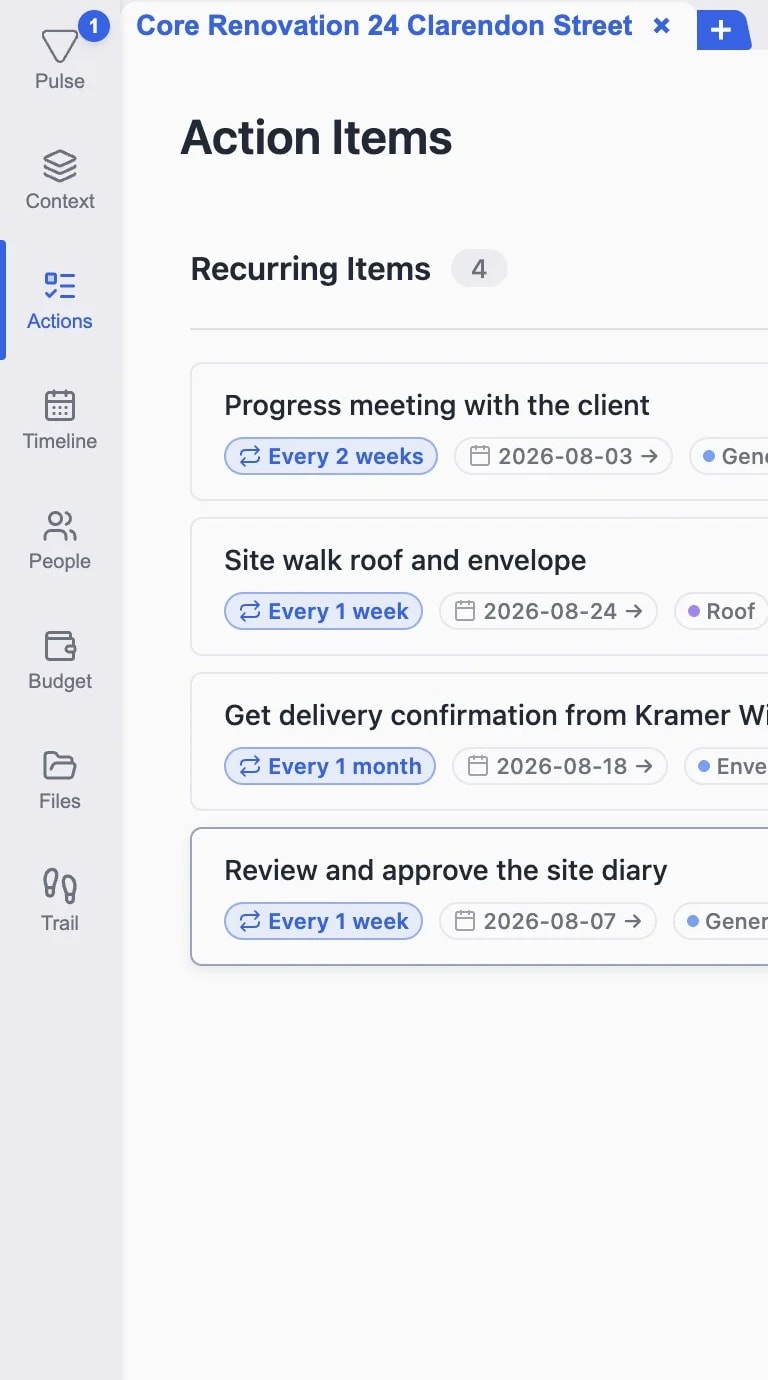
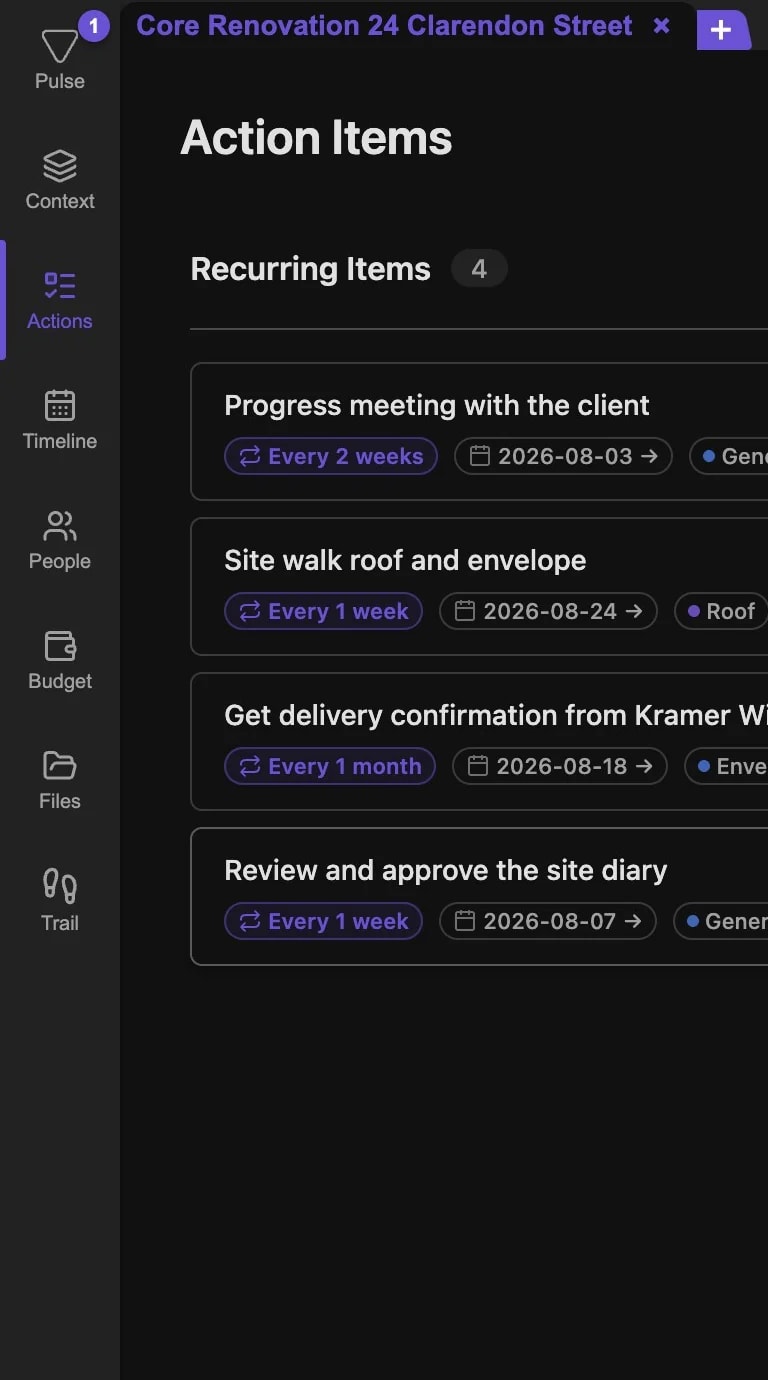
AUTOMATE REPEATING TASKS

Recurring action items

Recurring action itemsRecurring action items

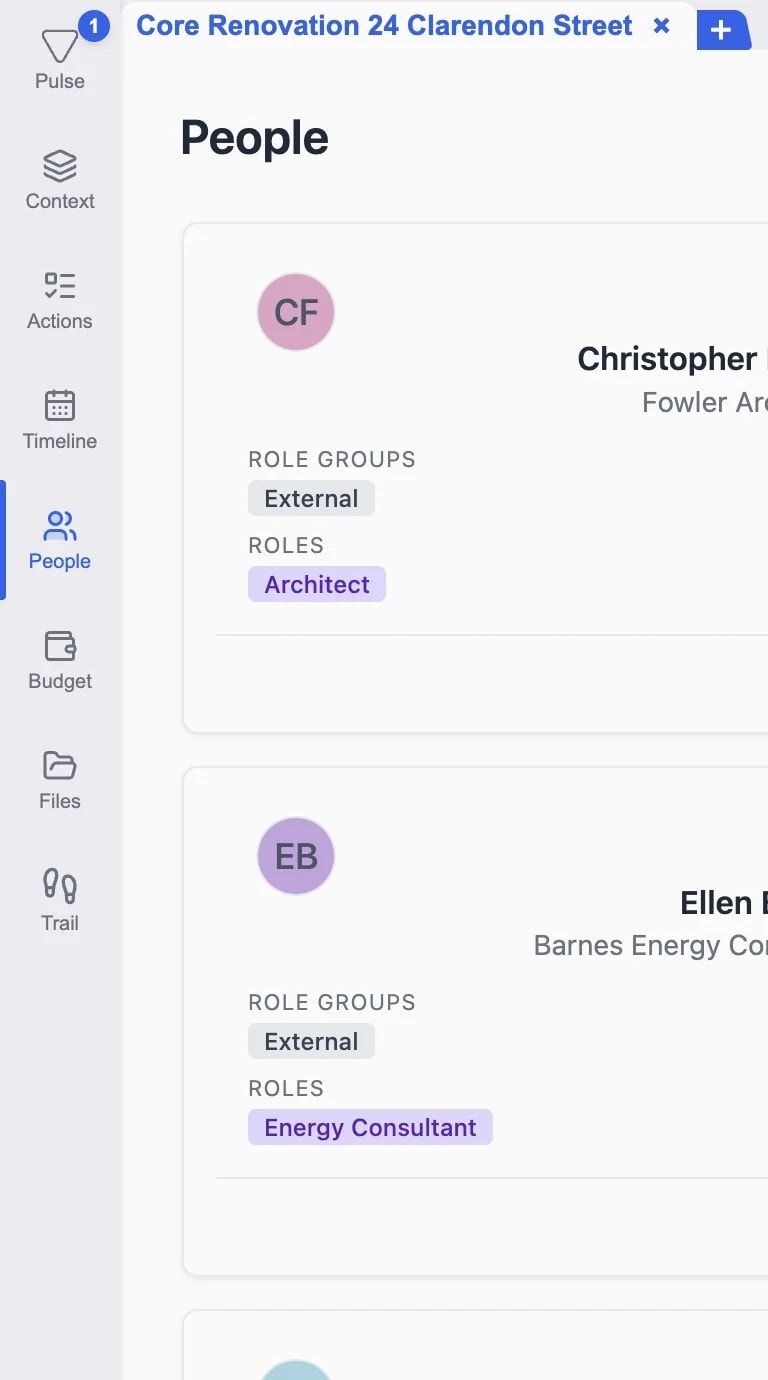
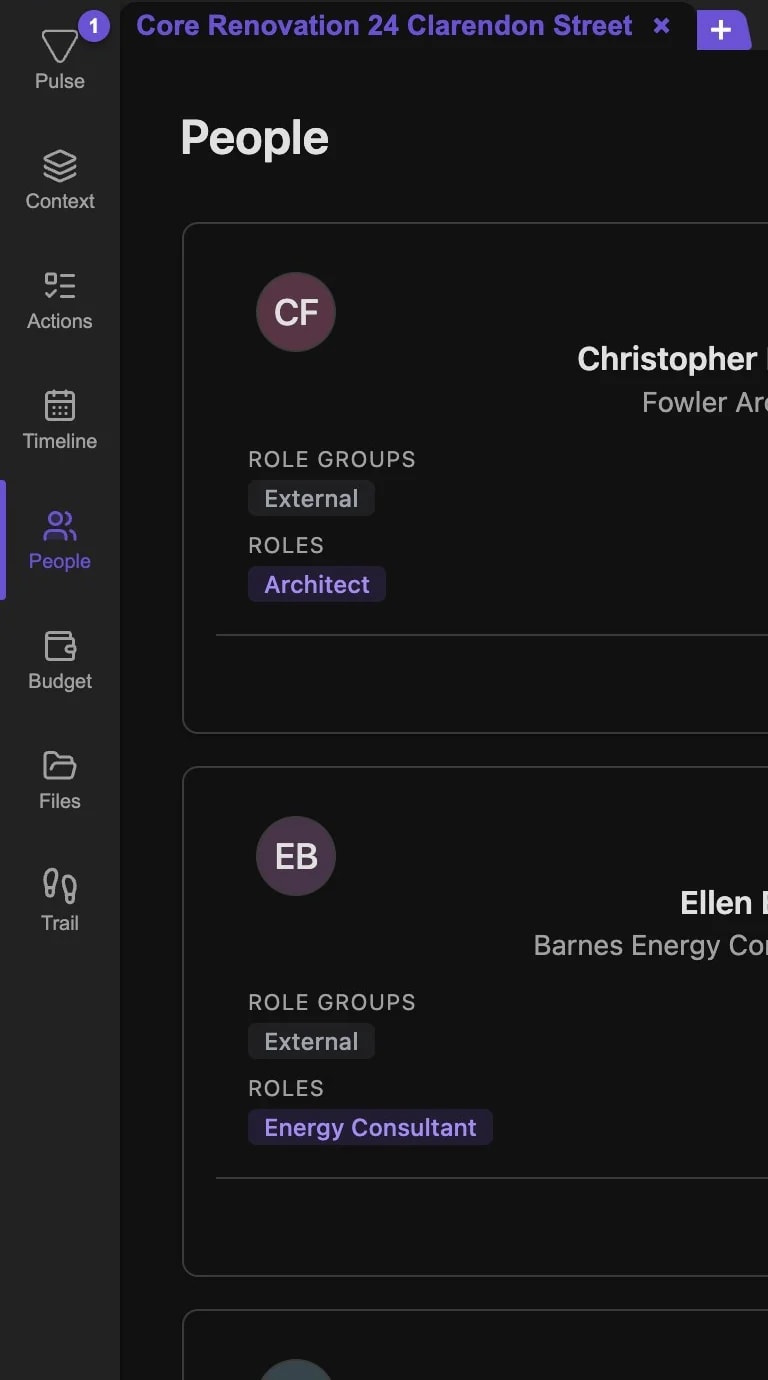
ORGANIZE PARTICIPANTS WITH AI

People & roles

People & rolesPeople & roles

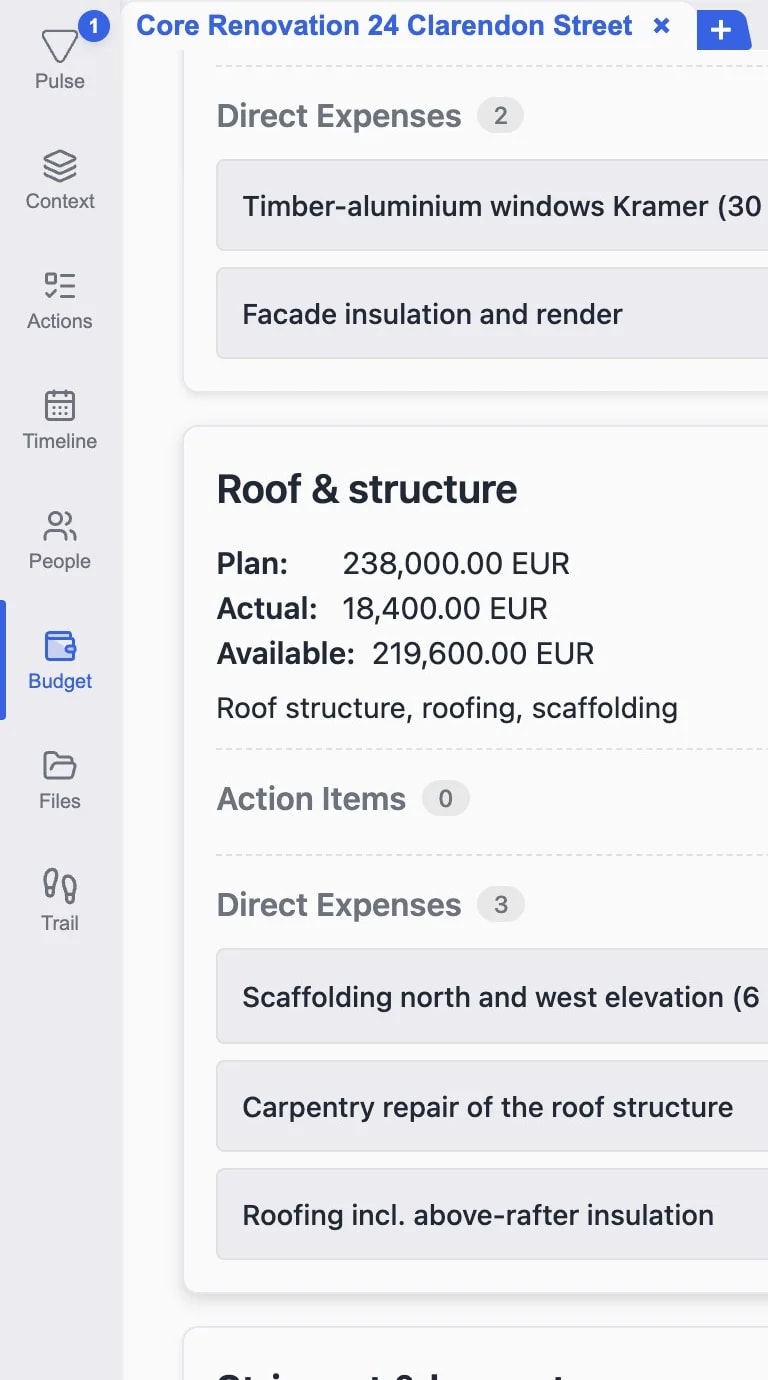
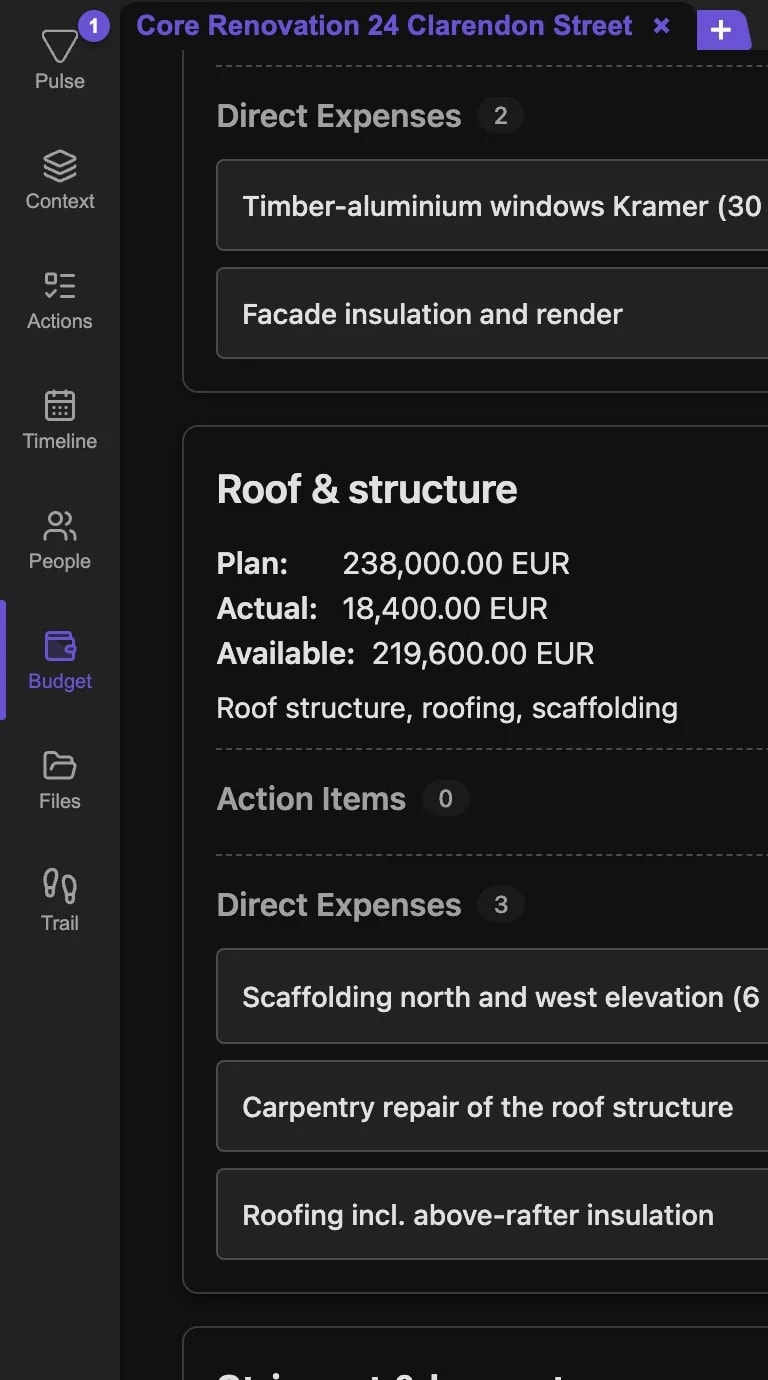
PLAN, ACTUAL AND AVAILABLE

Budget management

Budget managementBudget management

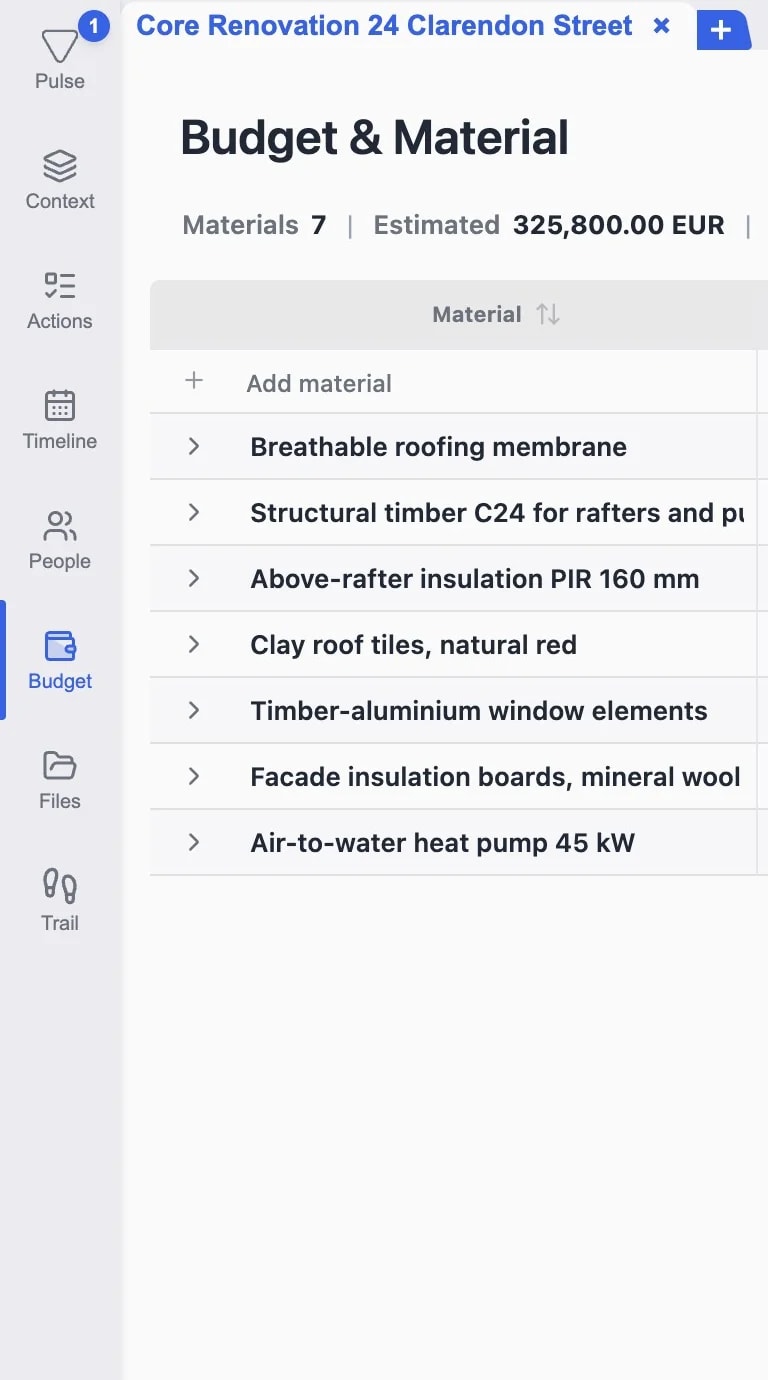
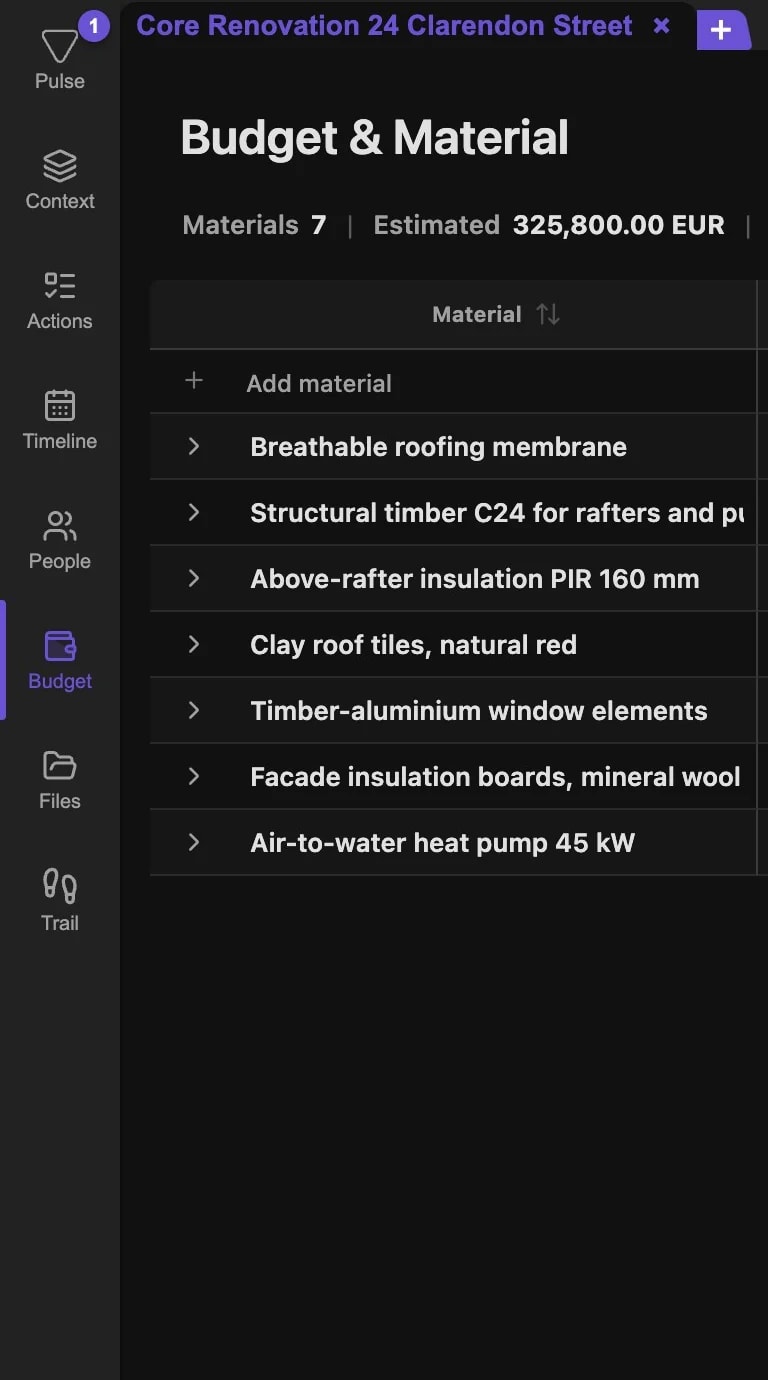
PROCURE TO INSTALL

Material tracking

Material trackingMaterial tracking

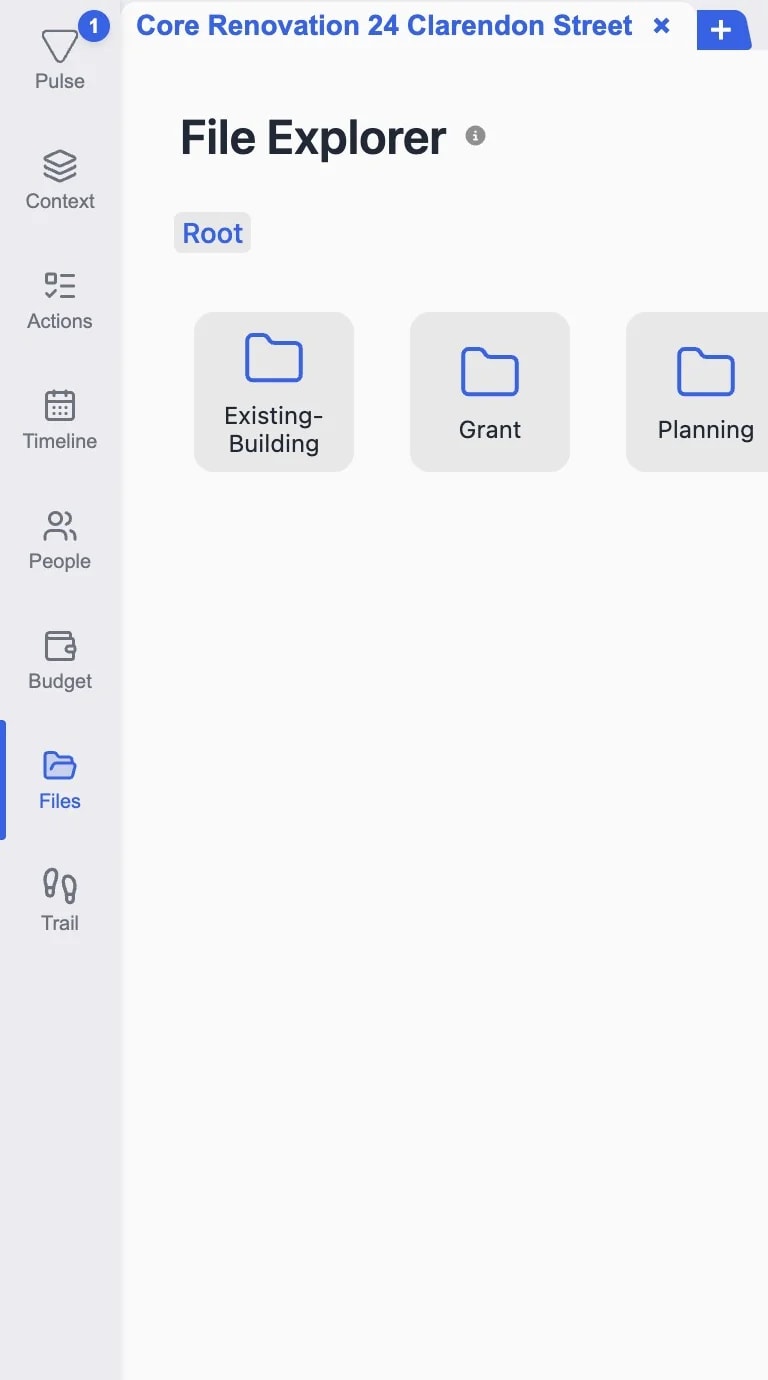
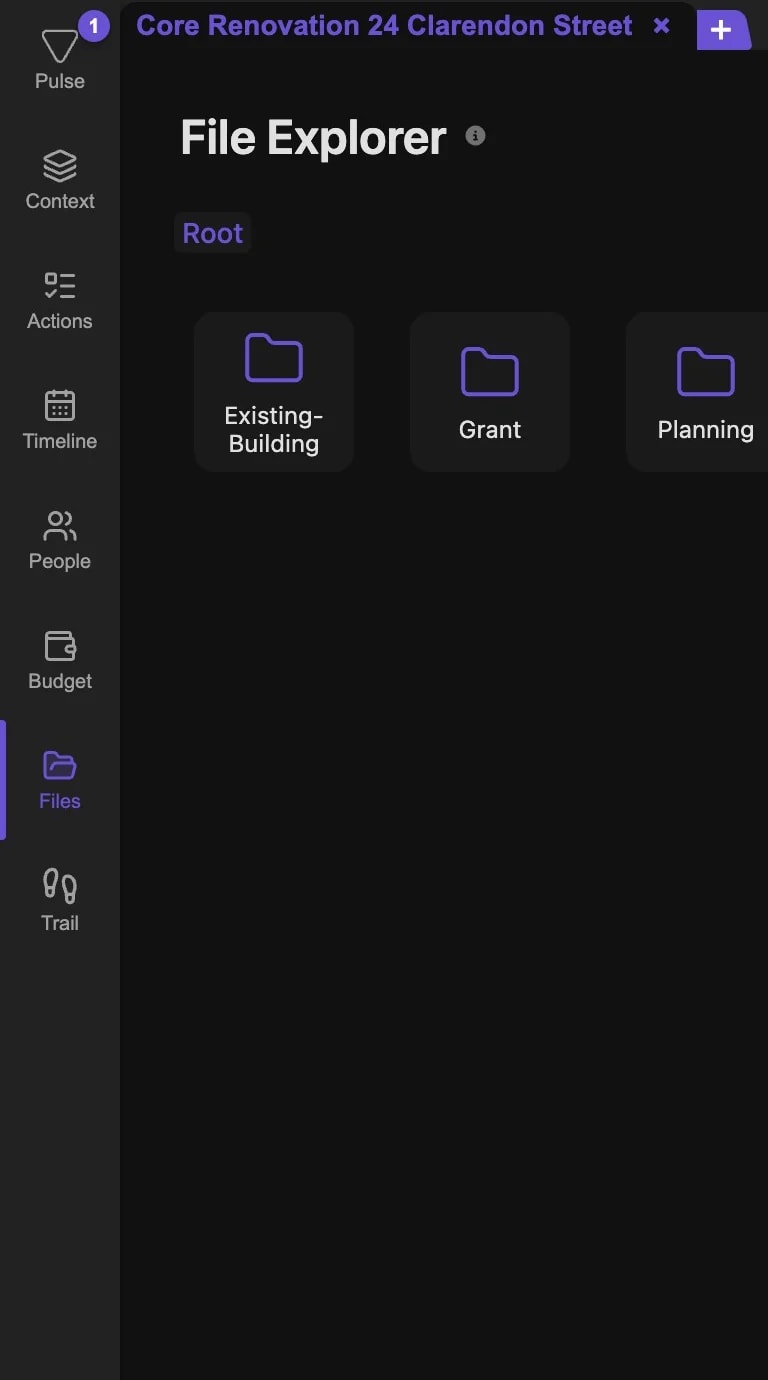
INCLUDE FILES ON REQUEST

AI reads your local files

AI reads your local filesAI reads your local files

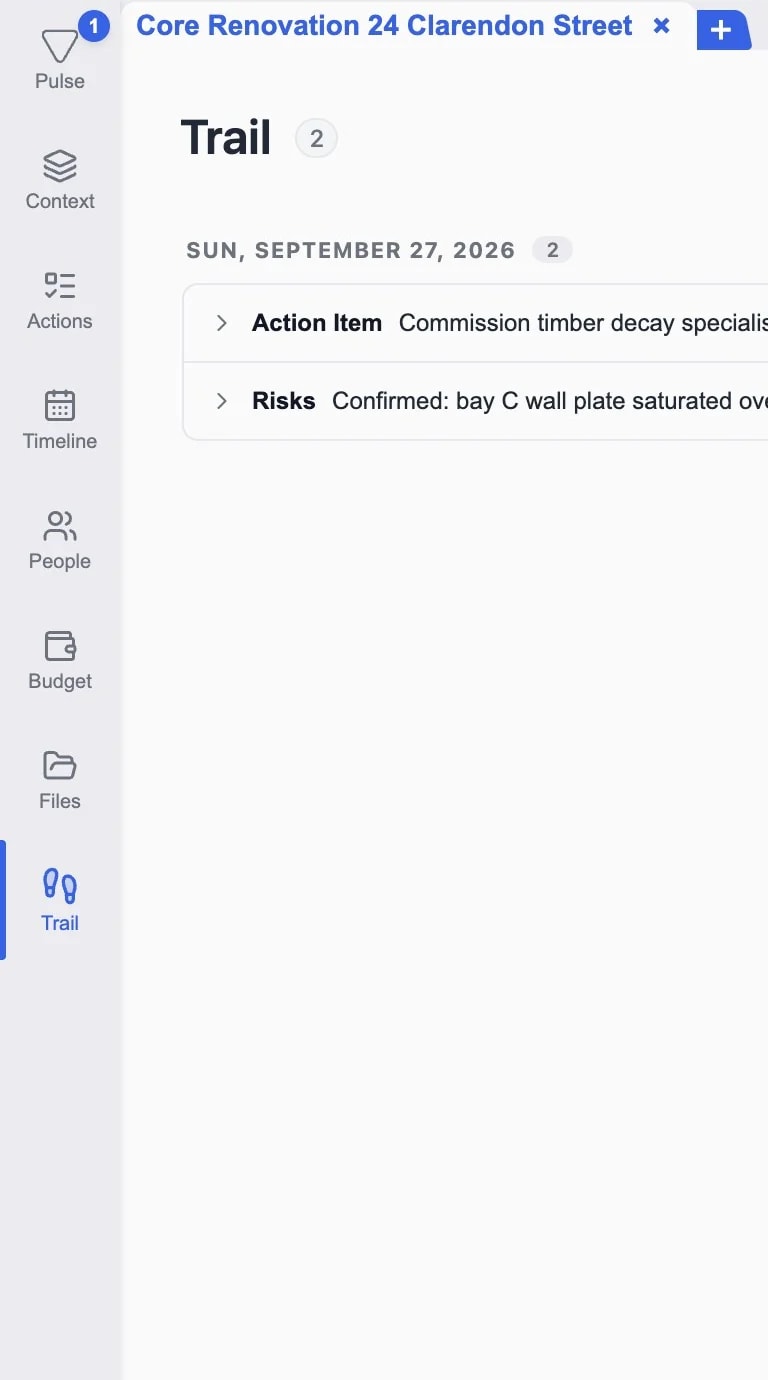
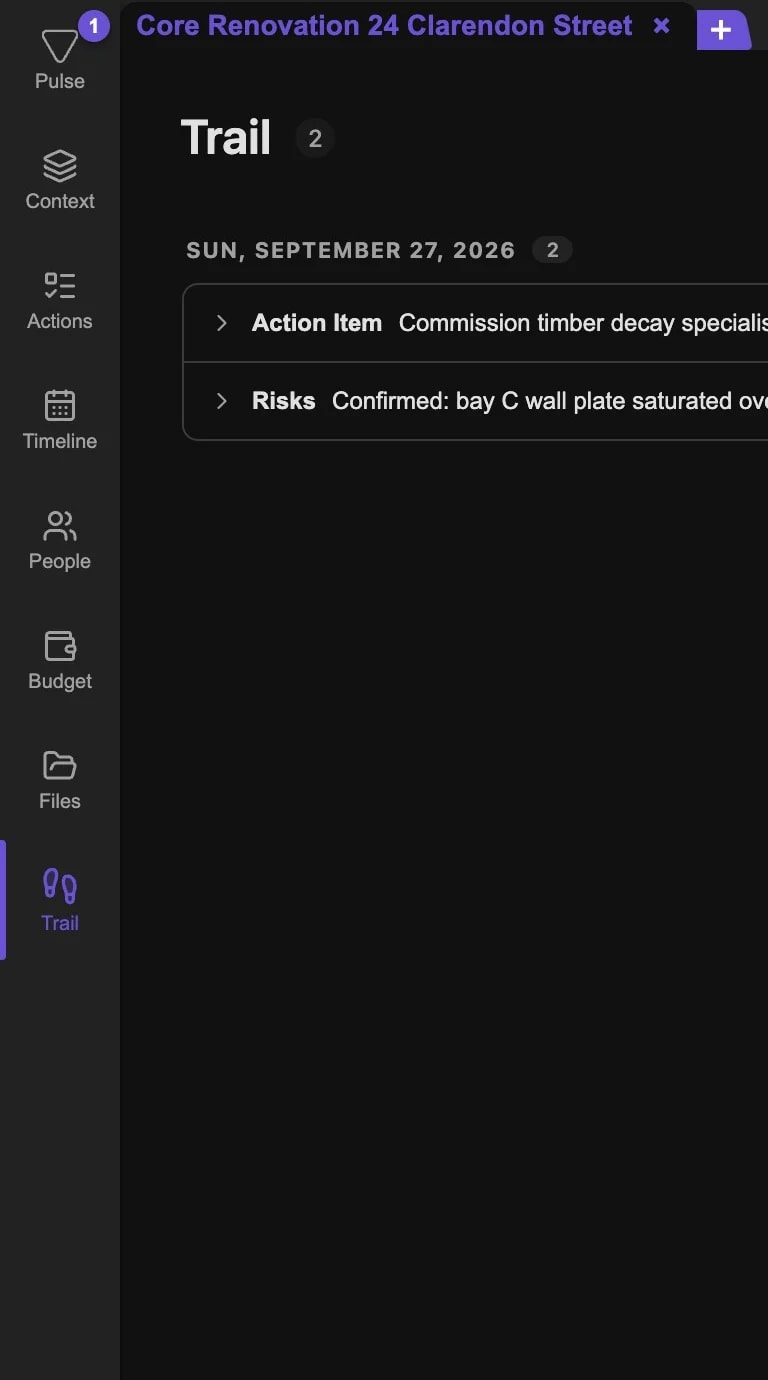
AI-POWERED CHANGE LOG

Traceable trail

Traceable trailTraceable trail

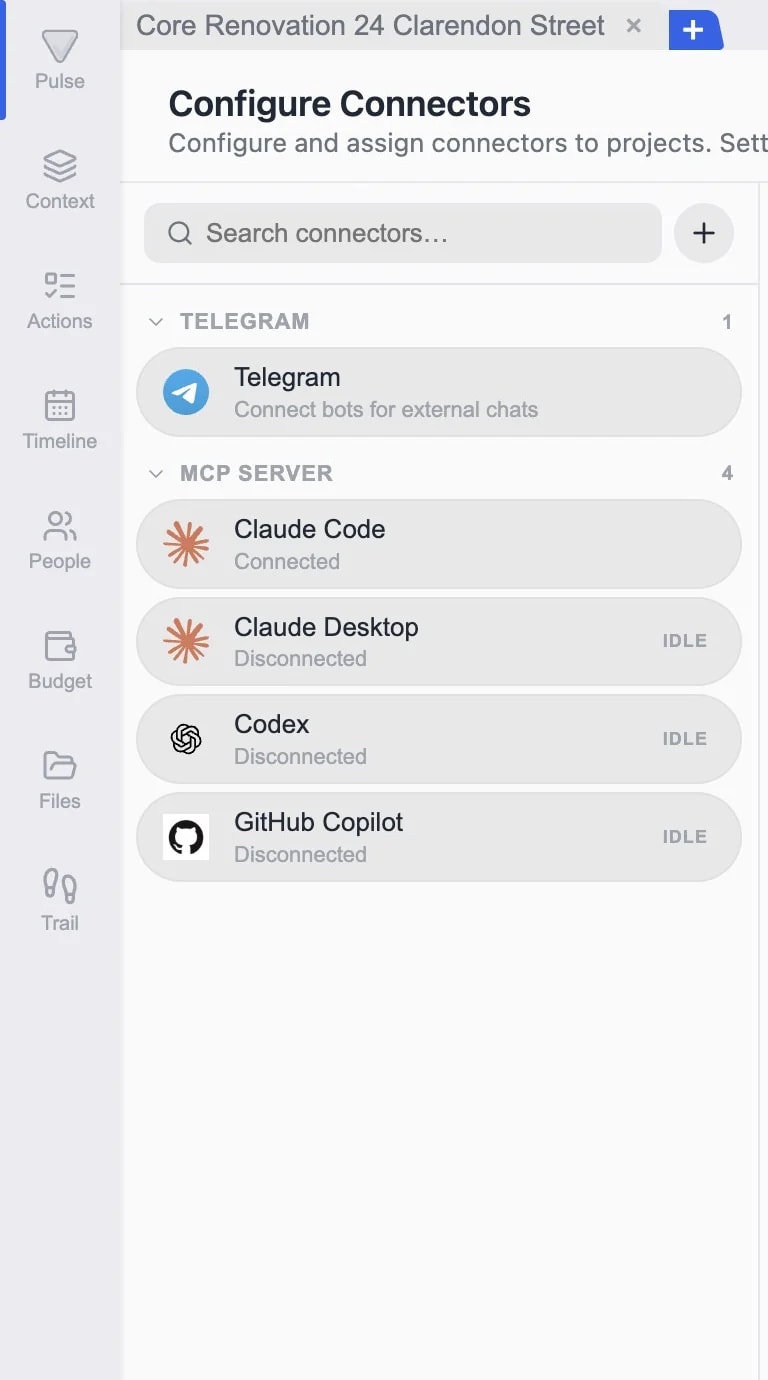
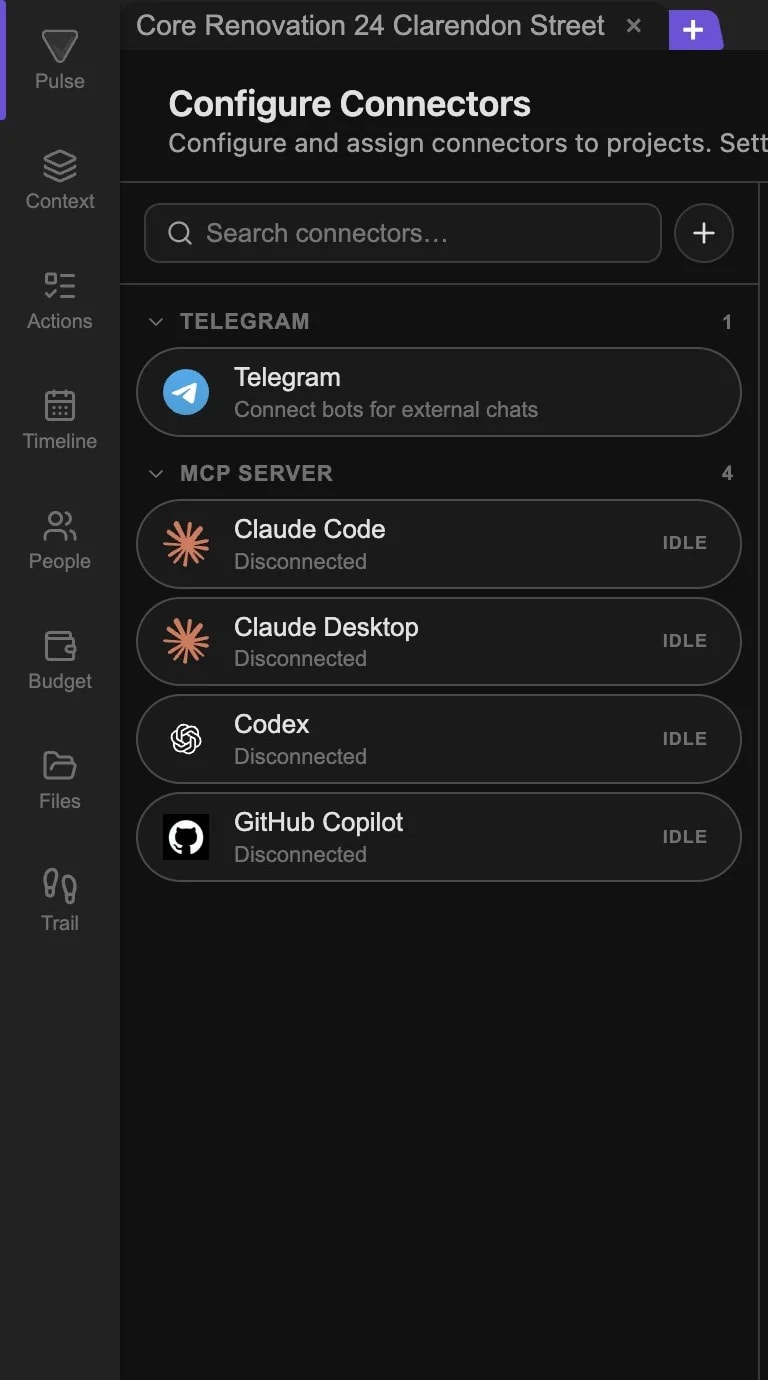
TELEGRAM, EMAIL AND MORE

Connectors & messenger

Connectors & messengerConnectors & messenger

Pricing

Priced per project.Not per person.

Start free with Trial, no credit card needed. Cloud sync and team members are included in every plan.

TRIAL

To get to know TensorPM, no time limit

€0 no card

Included in Trial:

2M lifetime TensorPM AI credits
Unlimited local projects on your device
AI with full project context until credits are used
Cloud Sync across devices included
Several own workspaces, unlimited members
Local use included

The desktop app and local workspaces can be used without an account. Local AI models remain available separately.


Create trial account
Recommended
PRO

For projects that use AI every day

€99 per month

Monthly billing • Cancel anytime

Everything in Trial, plus:

10M AI credits per month
Unlimited own workspaces
1 active project, unlimited members
Unlimited archived projects
AI models included, no API keys of your own needed
BUSINESS

For teams and companies

Custom pricing

Everything in Pro, plus:

Your own AI provider (BYOK) and custom limits
Unlimited members
Pooled AI credits for the whole team
Data processing agreement (DPA) included
Annual billing with invoice payment available

For agents

Works with your AI agents.

Through MCP and A2A, Claude Code, Codex, Cursor and other agents work from the same confirmed project context.

  • Claude logoClaude Code
  • OpenAI logoCodex
  • Cursor logoCursor
  • Claude logoClaude Desktop
  • OpenClaw logoOpenClaw
  • Hermes logoHermes

Third-party names and logos are trademarks of their respective owners. References are for compatibility only and do not imply sponsorship or endorsement.

Ready to steer your project ahead of time?

Watch the demoDesktop app for macOS, Windows and Linux

Free trial, no credit card needed