
Project Structure
TensorPM projects are structured project graphs, not folders of notes.
The same project graph is used by:
- the desktop UI
- Guidance analysis
- the AI panel
- cloud sync
- MCP tools
- the local A2A project agent
That is why project structure matters. The better the structure, the more useful TensorPM becomes for people and agents.
Workspace -> project -> views
The top-level structure is:
- Workspace
- Project
- Project views
- Structured records inside each view
A workspace groups projects. A project contains context, execution data, files, people, budgets, trail entries, and decisions. Views expose different parts of that same data.
Workspace
A workspace is the collaboration and sync boundary.
Workspace types:
- local workspace
- cloud workspace
- shared workspace with members and seats
Local workspaces stay on the device. Cloud workspaces sync across devices and can be shared with other TensorPM users.
Project identity
Each project has:
- internal project ID
- display name
- local folder name
- project file/database records
- workspace association
- generation status when AI-created
The display name is what users see. The ID is what MCP tools, sync, and internal references use.
Project context
Project context is the structured source of truth.
Core context fields:
- project description
- project goal
- project scope
- success criteria
- timeframe
- budget
- main requirements
- technologies and methods
- milestones
- dependencies
- risks
These fields are edited in Context and are also the main input for Guidance, project health, AI chat, and project extraction flows.
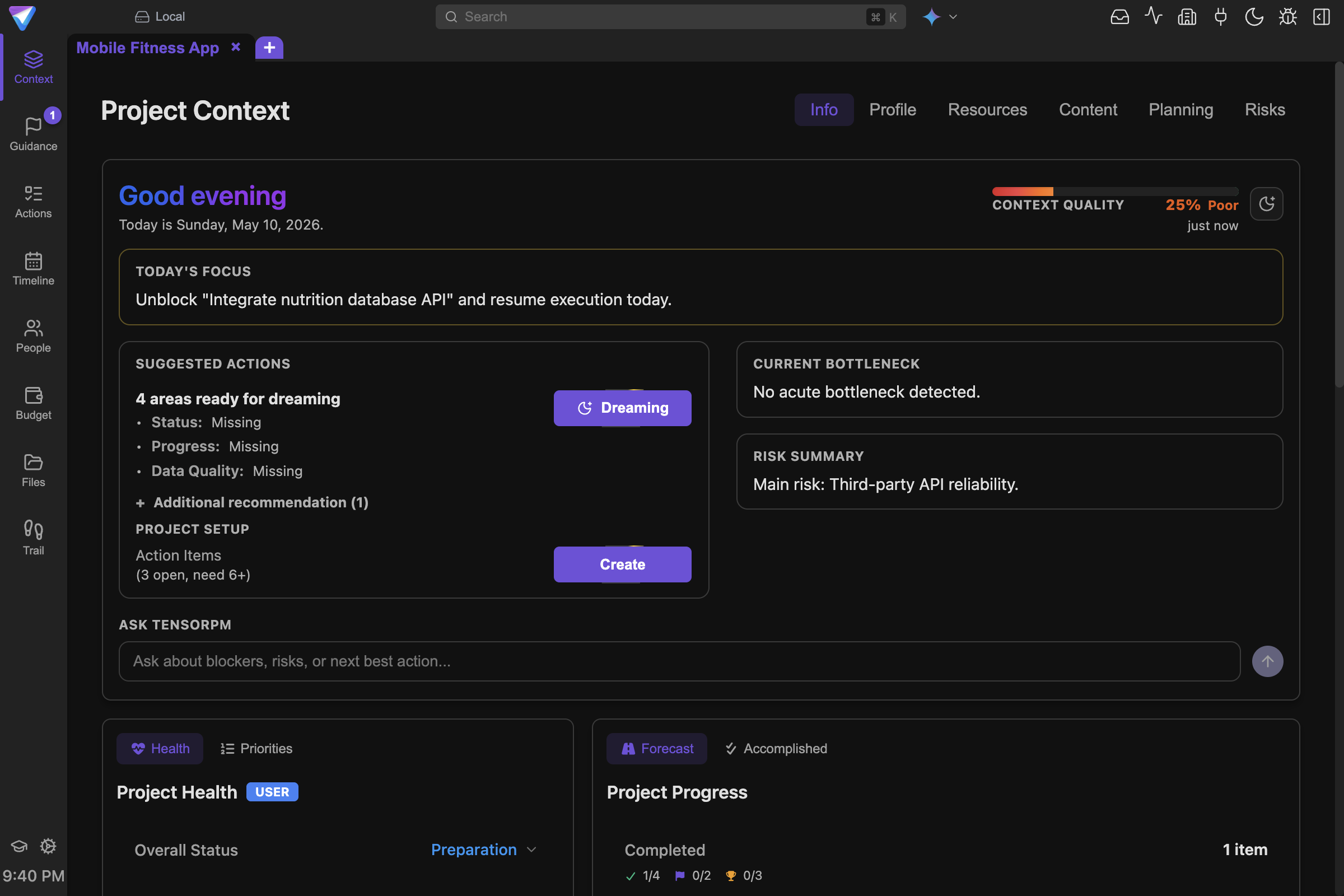
The context view shows how project knowledge, quality checks, and next steps meet in one place.
Success criteria
Success criteria are not just text bullets. TensorPM stores them as identified criteria so analyses can refer back to them.
Use success criteria to define:
- measurable outcomes
- acceptance conditions
- quality expectations
- delivery thresholds
- stakeholder-facing proof points
Coverage analysis uses goals and success criteria to detect whether current Action Items actually support the intended outcome.
Tables inside project context
Some context fields are structured tables:
- main requirements
- technologies and methods
- milestones
- risks
Rows and cells have internal IDs. This enables more granular updates, diffs, and Trail history than a single large text block.
Action Items
Action Items are execution records.
Important fields:
- status
- priority
- category
- assignees
- start and due date
- urgency, complexity, impact
- planned and actual effort
- planned and actual budget
- dependencies
- block reason
- attached files
- recurring source
Action Items can be assigned to people or agent assignees. Agent assignees are used when local coding agents such as Codex or Claude Code can be invoked for work.
Categories
Categories group Action Items. They can be used as planning areas, workstreams, phases, or responsibility domains.
Good category examples:
- Discovery
- Implementation
- Procurement
- Legal
- Launch
- Operations
Avoid categories that duplicate status. Status already has its own field.
Dependencies
Action Item dependencies use four types:
FS: Finish-to-StartSS: Start-to-StartFF: Finish-to-FinishSF: Start-to-Finish
Dependencies feed execution guidance and critical-path style planning. Use them for real sequencing constraints, not general relatedness.
People
People records store project participants and contacts.
Typical fields:
- name
- organization
- roles
- role groups
- influence
- phone
- labels
- linked TensorPM user information when available
People can be used for Action Item assignment, communication shortcuts, workspace invitations, and stakeholder clarity.
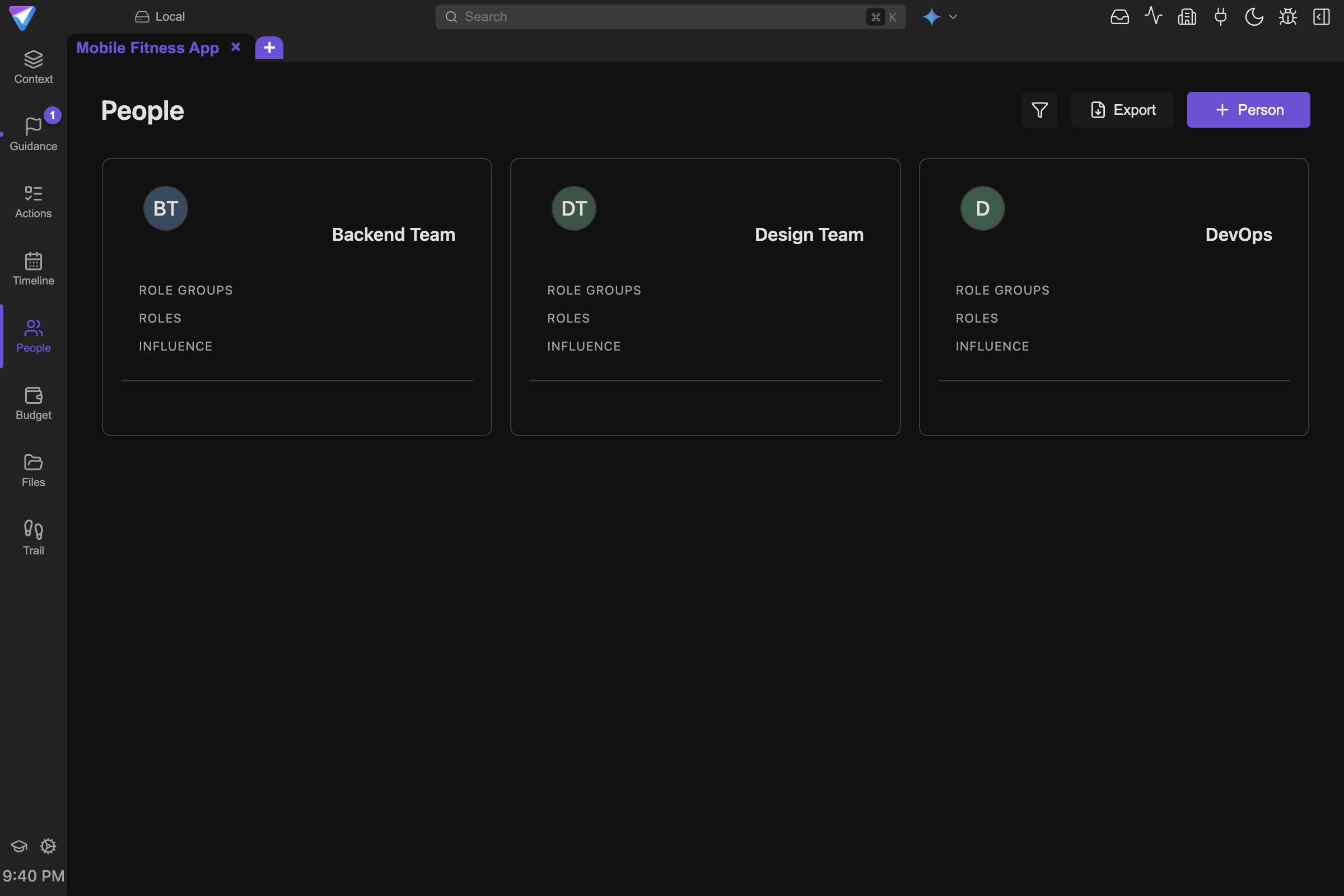
The People view stores stakeholders and assignees that can be reused across Action Items and project planning.
Budget
Budget exists at multiple levels:
- project-level budget in context
- Action Item planned and actual budget
- budget buckets
- simple expenses
- file attachments on expenses
The Budget view combines these layers into a financial overview.
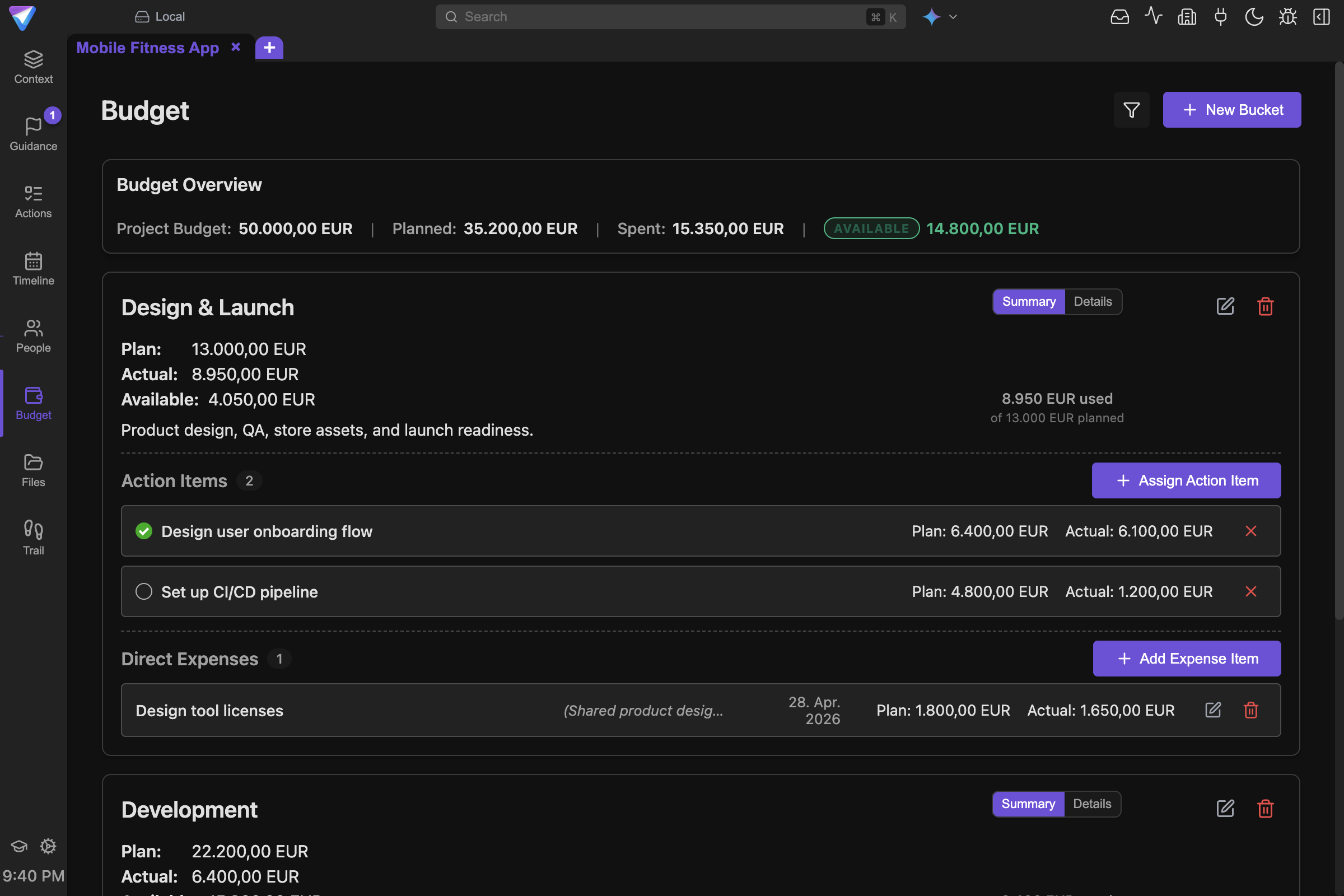
Budget stays connected to work instead of living as a separate spreadsheet beside the project.
Files
Files can be stored inside the project file area or referenced through registered file records.
Files can be:
- uploaded
- moved
- renamed
- opened in the system file explorer
- attached to Action Items
- summarized by AI when supported
- included or ignored for distillation
Trail and decisions
Trail has two related purposes:
Updates: processed context changes, distillation output, and AI/tool tracesDecisions: append-only commitment records
Decisions are first-class records. They can be active, superseded, or withdrawn. When a decision changes, TensorPM keeps the previous record and links the replacement through a supersession chain.
Settings stored with the project
Project settings include view preferences and planning preferences:
- project priorities for scope, budget, and time
- Guidance mode and filters
- Action Item filters, sorting, hidden columns, and view ordering
- Budget filters and sorting
- People filters and view mode
- project display currency
- file explorer root path
- wizard state
This is why a project can remember how you last worked with it.
What agents see
External agents see the same project graph through MCP and A2A.
MCP is best for typed operations:
- list projects
- get project
- list or update Action Items
- record decisions
- submit project updates
- manage workspaces
A2A is best for intent:
- ask the project agent to reason over the whole project
- continue multi-turn planning
- request context-aware project changes
- schedule future agent work
Structure quality checklist
Use this checklist before relying on AI guidance:
- The project has a clear goal.
- Scope includes explicit exclusions.
- Success criteria are measurable.
- Timeframe and budget are not empty.
- Requirements have priority.
- Milestones have dates where possible.
- Dependencies and risks are explicit.
- Action Items map to real requirements or milestones.
- Blocked Action Items have block reasons.
- Decisions are recorded in Trail instead of hidden in chat.
Next steps
- Build context: Project Creation Wizard
- Navigate views: Navigation & Views
- Execute work: Action Items
- Track history: Files, Intake & Trail